1. Automatic software update :
The automatic software update loads a new software in your controller while leaving all your
lift parameters unchanged.
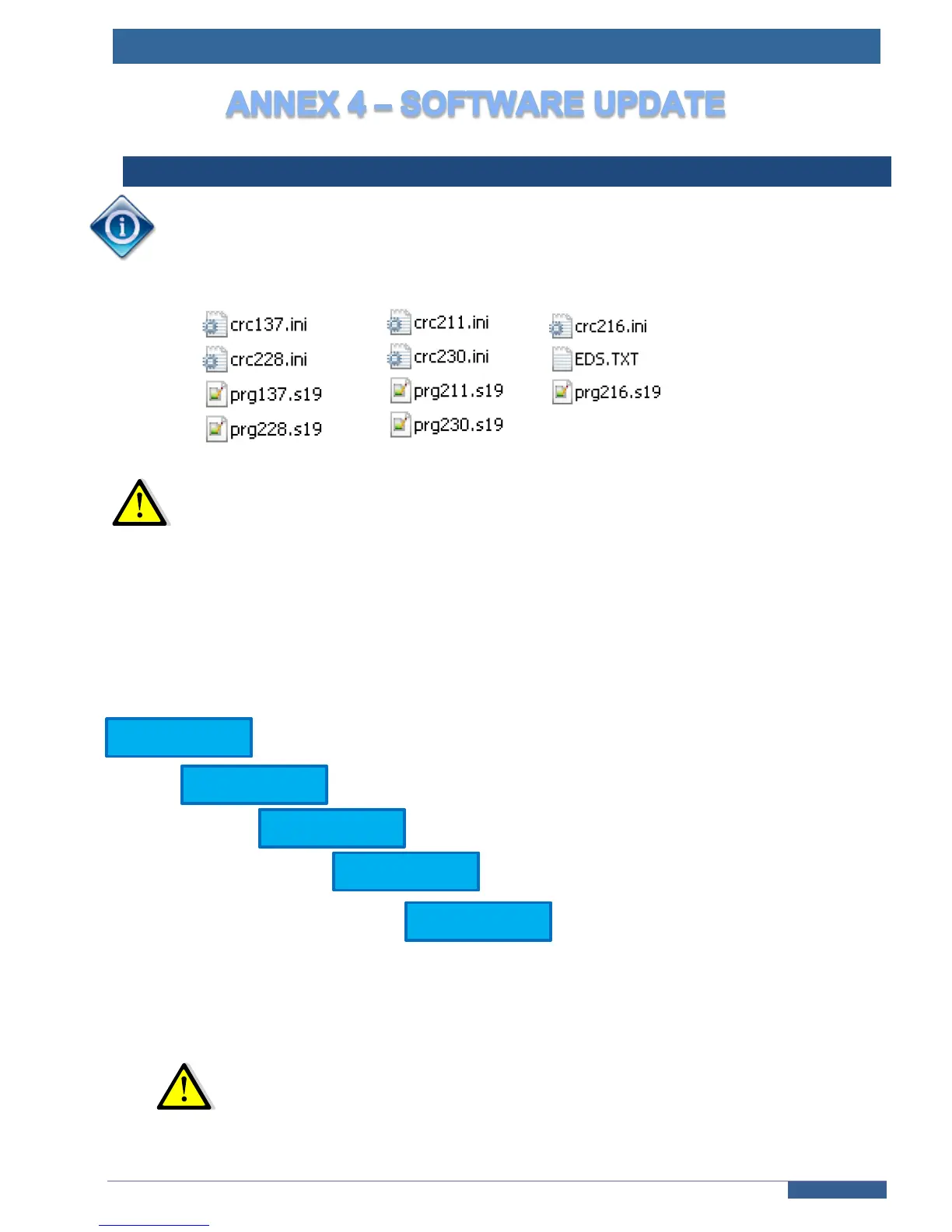
Copy only the following files on a blank SDcard for the update:
In this step, no DCF.TXT file should be present on the SDcard, or you may lose
your current parameters
Shut down the power supply of the controller and unplug the battery (connector AR1-A /
214SP).
Keep your lift in a secure mode (Emergency Stop or Emergency Operation engaged).
Swap the existing SDcard with the new one you built.
Switch on power supply and replug the battery.
The update process is launched and you will see these messages on controller’s screen :
After few minutes , the controller is operationnal with the new software.
All of your parameters were kept unchanged and written to the DCF.TXT file on the SDcard.
The SDcard is now linked to your controller and can’t be use for the update process of another
controller.
Never use this process to change the software toward an older version.



 To Next Page