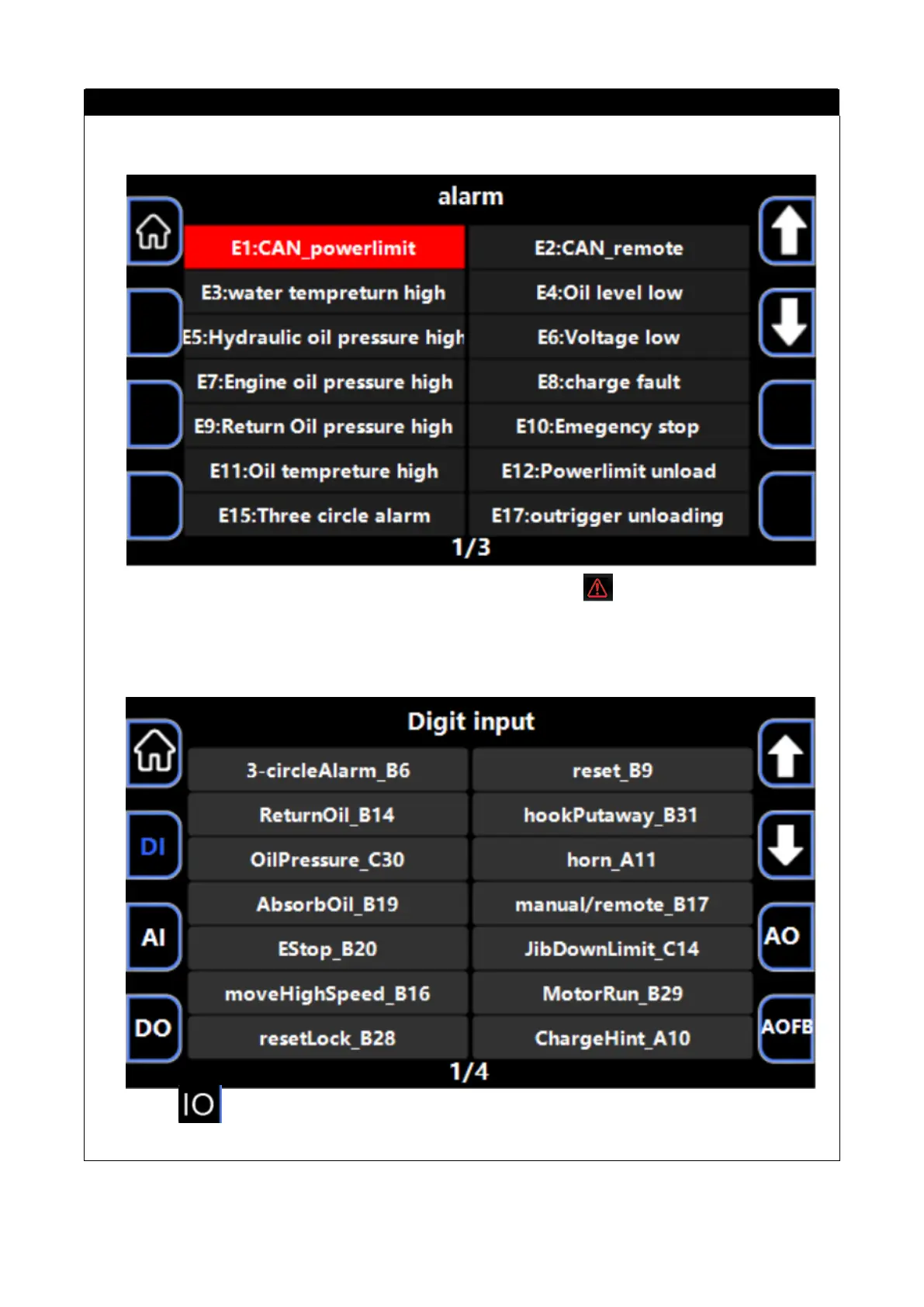
4. Alarm information interface
●When an alarm message appears, the homepage alarm icon urns red, press this button to
switch to the alarm message interface to view the specific content.
5. I O monitoring interface
●Press the button to enter the I O(DI/DO/AI/AO/CAN/AOFB) monitoring screen, and you can
view the status of each,input and output point of the controller.



 To Next Page