4. Torque limiter working condition setting and System settings
1. Torque limiter working condition switching
Operating steps for working condition setting
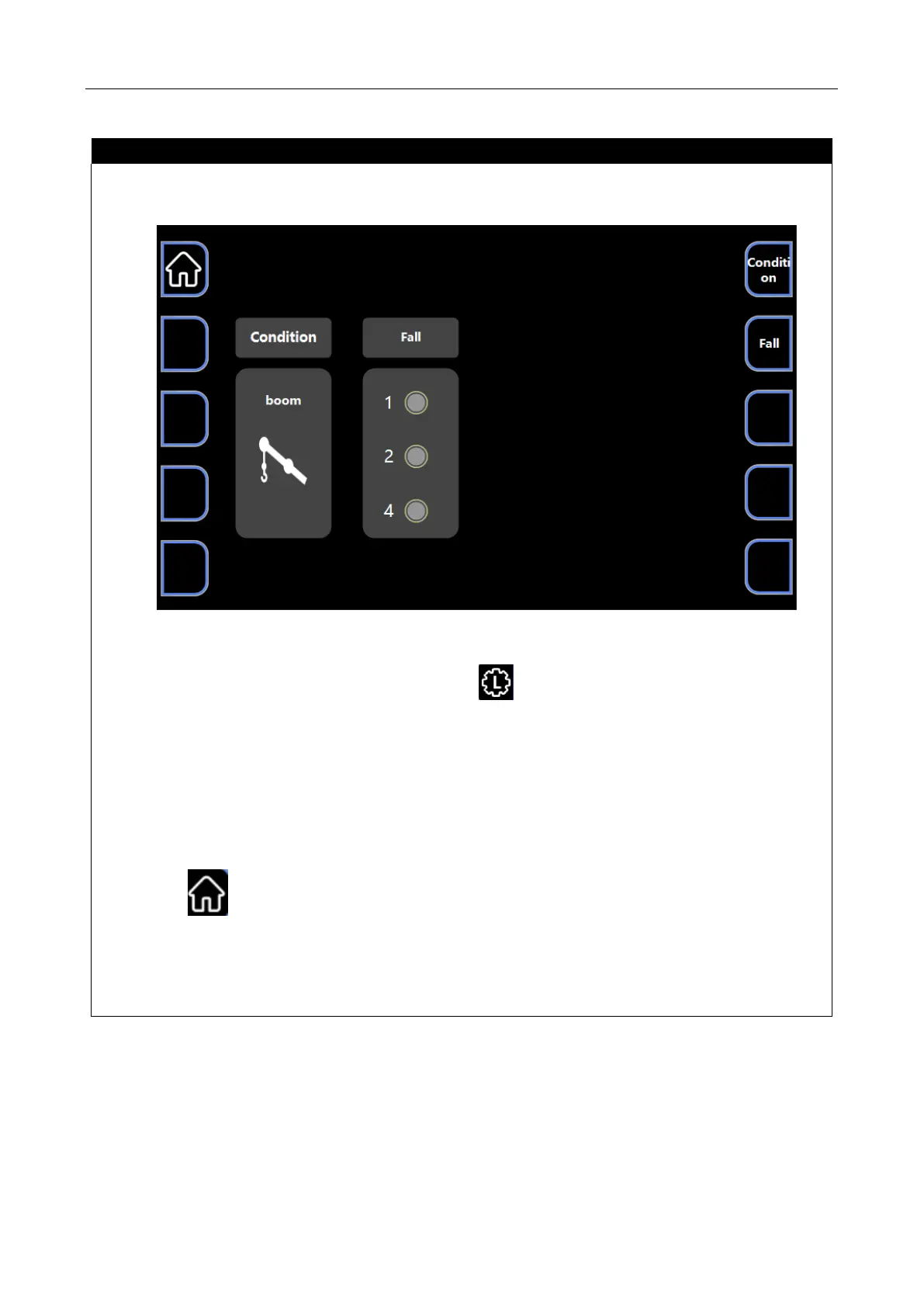
●After powering on the display screen, press the button on the homepage, and the The crane
enters the working condition selection (boom, fly jib, searcher hook) and fall selection interface, and
hoisting can be carried out;
●If you want to change the working condition, press the " Condition" button to enter the "Torque
limiter setting" interface, where you can set the working condition.
●Press button to the homepage, enter the set working conditions, and start the operation.
●The system defaults to the main boom state.



 To Next Page