EasyManua.ls Logo

SPT SPT299 - Page 102

SPT SPT299
121 pages
Print Icon
To Next Page IconTo Next Page
To Previous Page IconTo Previous Page
Loading...
SPT-299CZ-02
99
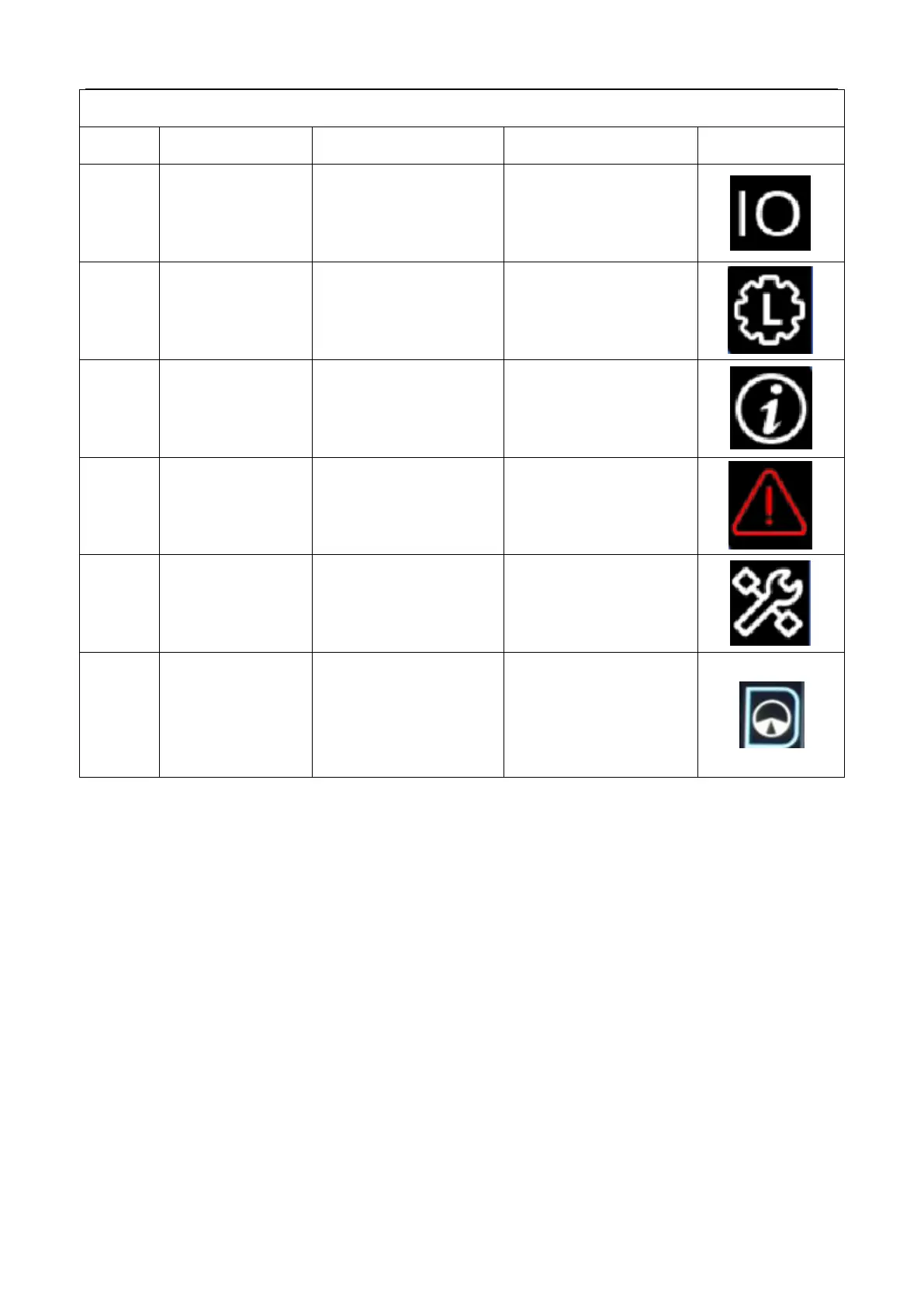
Introduction to system settings and hidden functions
NO.
Function
Parameter
Alarm way
Icon
1
I/O interface
Switch to I/O monitoring
interface
I/O interface
2
Setting up working
condition
Switch to working
condition setting-up
interface
--
3
Maintenance
directory/Language
switching
Switch to maintenance
interface/Language
switching
The icon will turn red
when reaching
maintenance time.
4
Alarm information
Switch to alarm interface
The icon will turn red
when alarming.
5
Settings
System settings
--
6
Outrigger partition
protection
Switch to the state of
support outriggers and
boom
Blue is allowed to lift the
weight of the boom, and
red is prohibited to lift
the weight of the boom

Table of Contents