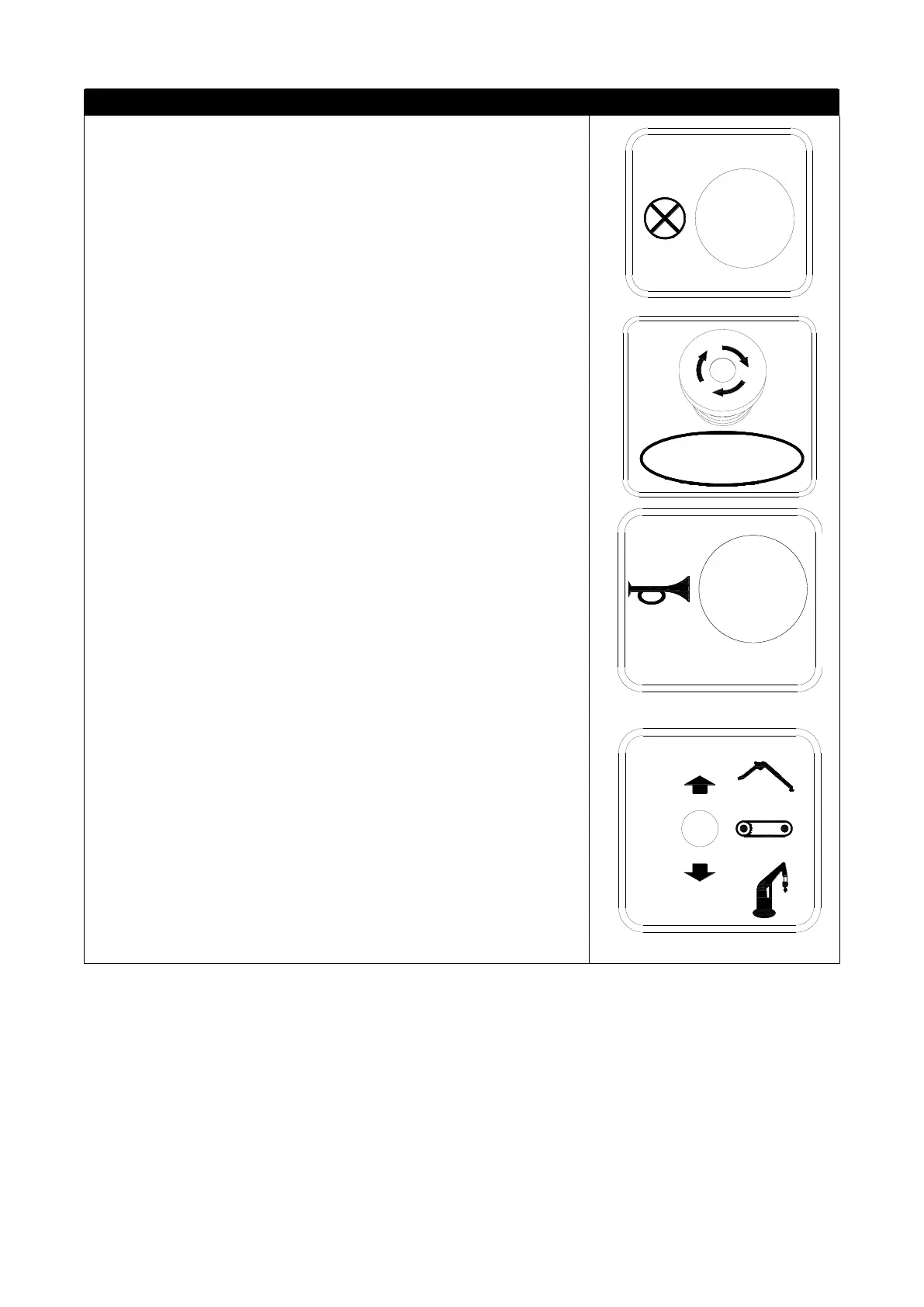
Force switch(No. 7)
Press the forced switch, the overweight alarm, over-roll
protection, anti-overturn protection and communication failure
protection of the whole machine are in a shielded state, and the
display screen only displays the current alarm state but does not limit
the action output. It is mainly used for hoisting operations, when
overweight and over-rolling alarm, the crane can be returned to the
safe area through the reset button to continue working.
Emergency stop switch (No. 11 for emergency)
●On: Press the emergency stop switch, the engine or motor will
stop working.
●Close: Turn the switch clockwise (in the direction indicated by
the arrow), and the switch will return to its original position upwards.
Note: When restarting the engine or motor, be sure to turn off
the emergency stop switch before starting.
Horn switch (No. 12)
Used to warn people around
●Sound horn: Press the switch and do not release it. (Release
the hand, the horn does not sound).
Working mode switch (No. 14)
After the engine is started, the working mode must be selected
before the lifting work can be carried out, and the current working
condition is accompanied by a voice prompt.
●Outrigger: the switch is pushed up, and the working mode is
the outrigger mode. Through the corresponding handle, the outrigger
action is realized. At this time, no action is output by operating the
walking handle.



 To Next Page