general settings / 10
general settings
sensitivity
(Low / Medium / High)
Allows to choose the sensitivity of the motion sensor. A greater sensitivity will give a greater number of photos. Make sure
the front of the camera is free of any obstructions. The area of installation should be cleared from branches or bushes.
resolution
(Normal / High)
Sets photo quality.
trigger speed
(Optimal / Fast)
Optimal : Takes higher quality images.
Fast : Takes photos more quickly.
battery type
(AA / LIT-09 / 12V)
Allows the user to select the battery type in use to get a more precise battery level reading.
information appearing
on the photos
Displays the date, time, temperature, moon phase, SPYPOINT logo, and camera model on each photo.
New moon First quarter Full moon Last quarter
Waxing crescent Waxing gibbous Waning gibbous Waning crescent
start time
Sets the time at which the camera begins detecting movement.
end time
Sets the time at which the camera stops detecting movement.
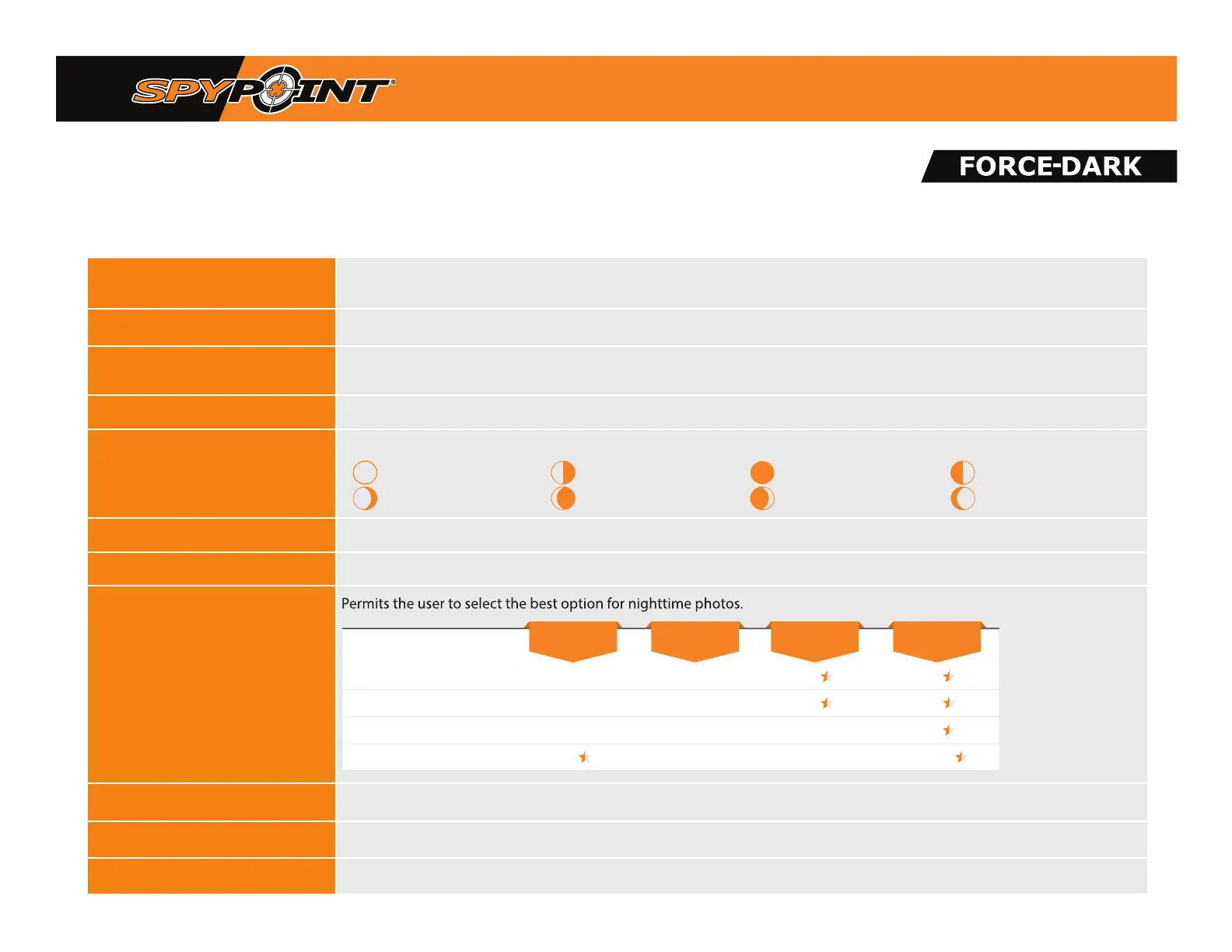
night mode
LED's visibility
battery life
flash range
blur reduction
temperature format
(°C / °F)
Sets the the displayed temperature format.
about the device
Displays system information. (Software/hardware version number / Model number / Device name.)
default settings
Restores the camera to its default settings
invisible
mode
renforced
mode
optimal
mode
blur reduction
mode















 To Next Page