5
ENGLISH
INSTALLING AN SD CARD
The camera was designed to operate with an SD card
between 2 and 128 GB of memory.
INSERT AN SD CARD
• Make sure the camera is
turned OFF.
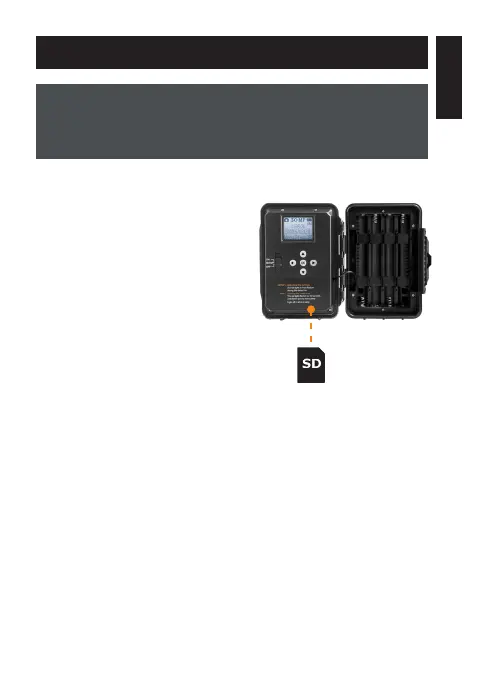
• Locate the SD card slot. It is
on the bottom right corner of
the camera (see diagram).
• Insert an SD card (up to 128 GB)
in the slot and make sure to
respect the direction indicated
in the diagram.
• The card is inserted correctly
when a click is heard.
FORMAT YOUR SD CARD
Before inserting the SD card in your camera, it must be formatted
to ensure proper operations. See section OTHER OPTIONS on
page 8 for an explanation of the formatting process.















 To Next Page