..
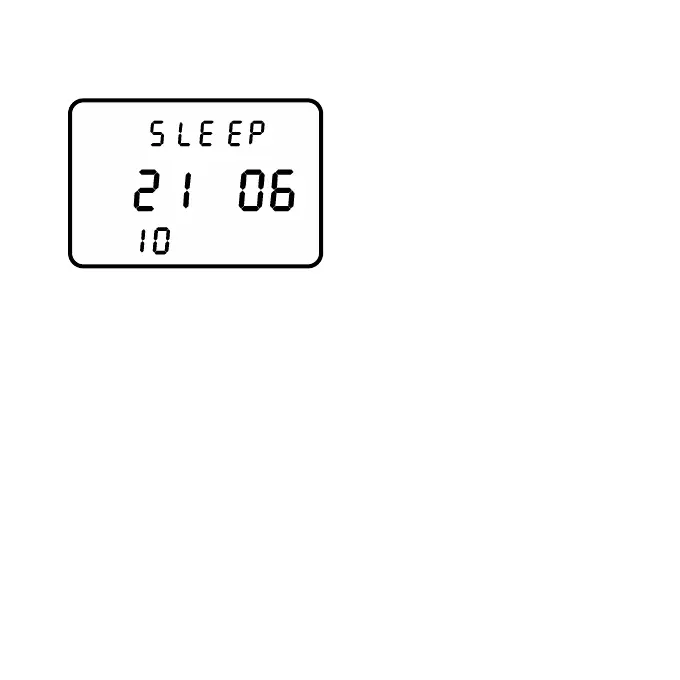
In Sleep Mode the PowerControl
shows the version of the firmware
installed.
In this example the firmware
version is June 21, 2010.
Press once to awake the PowerControl from Sleep Mode.
Starting with generation 7, the PowerControl has an integrated
motion sensor that activates the unit when motion is detected. The
PowerControl switches off into Sleep Mode automatically after three
minutes (can be changed through the computer software). The
integrated motion sensor switches the unit on as long as it is not
switched off manually (see below). The PowerControl will not enter
Sleep Mode while it is receiving data from any of the sensors.
Press longer than 10 seconds to manually enter Sleep Mode
and deactivate the integrated motion sensor. This is useful during
transport. Press once to awake the PowerControl from
Sleep Mode and reactivate the integrated motion sensor.
- Page 10 -



 To Next Page