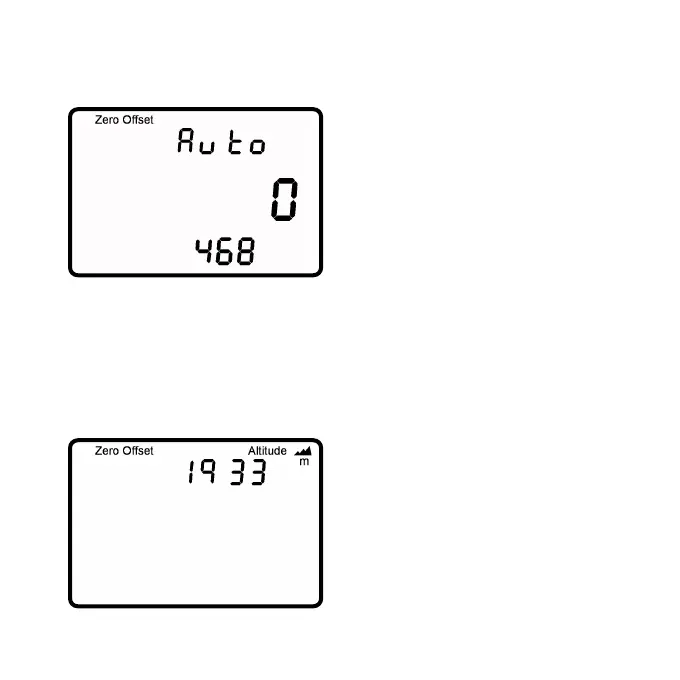
It is important to use the SRM Training System with a correct zero
offset, if not the measured power
may be wrong. The zero offset can
be set manually or automatically
(by default). Turn the crank forward
to switch on the PowerMeter. Make
sure there is no force on the crank.
Press and at the same
time to enter the zero offset mode.
The screen shows the real-time zero offset value on the middle line.
The bottom line shows the previously stored zero offset. After the top
number stabilizes, press to store the new zero offset. If it remains
zero, the PowerControl is not receiving any signal from the Power-
Meter. Make sure the PowerMeter is turned on and paired correctly.
.
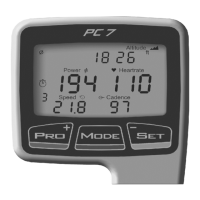
Pressing .once more shows
the altitude menu where the abso-
lute altitude can be set using
(+) and (-). Pressing
again returns to the main screen.
You can select metric or English
units using the SRM Software for
both Altitude and Speed.
- Page 19 -



 To Next Page