Turn the wheel or the crank with
the magnet. The PowerControl is
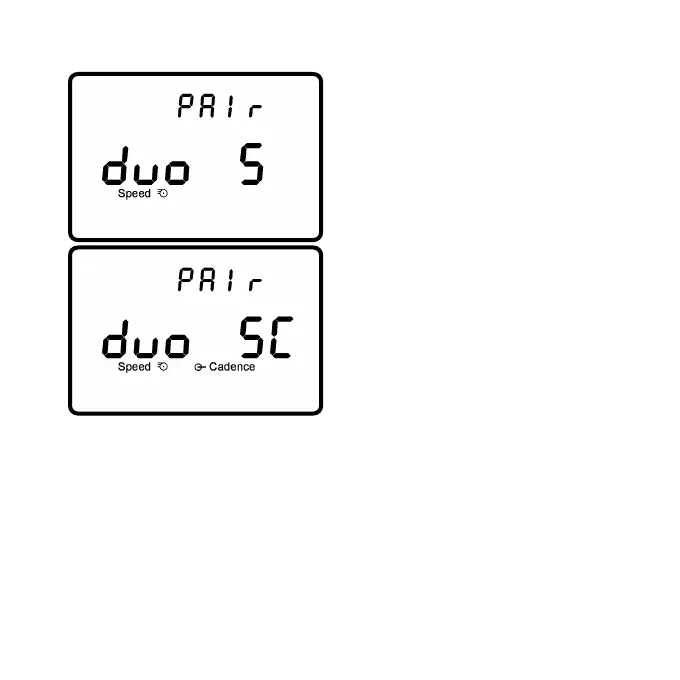
initially to speed only measurement
("duo S"). If necessary, press
to select combined speed
and cadence ("duo SC") and
press to start searching for it.
The PowerMeter is disabled in
this case. The antenna symbol
blinking on the right of the display
shows that the searching process
has started.The search bar in the
middle of the display shows the
progress of the search.
If no signal is picked up, check if the pod is switched on and the
wheel magnet is 3-5mm away from the pod. When the sensor is
found, the PowerControl will show ”Found” on the top line, alterna-
ting with the serial number. Press then to confirm this sensor.
If the serial number of a sensor is known, this can be entered in the
SRM software in the setup menu under "special/hardware".
Press for 3 seconds to return to the main menu.
- Page 18 -



 To Next Page