- Page 15 -
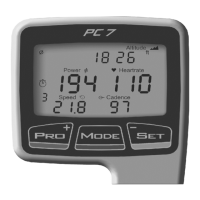
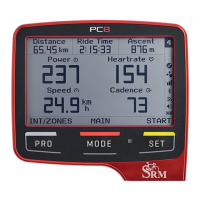
The PowerControl needs to be paired with the PowerMeter, Speed
Sensor and Heartrate strap. The PowerControl will not receive data
until it is paired. Pairing the sensors with the PowerControl is only
possible if the sensors are switched on.
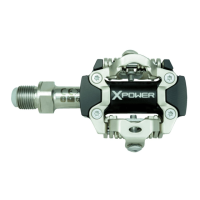
1. Switch on the PowerMeter by pedaling the crank forwards a few
times (it will switch on when the magnet passes by).
2. Switch on the speed sensor by spinning the wheel.
3. Switch on heartrate sensor by putting the belt on your chest.
Please moisten the electrodes to improve contact.
4. Switch on the PowerControl by pressing the button.
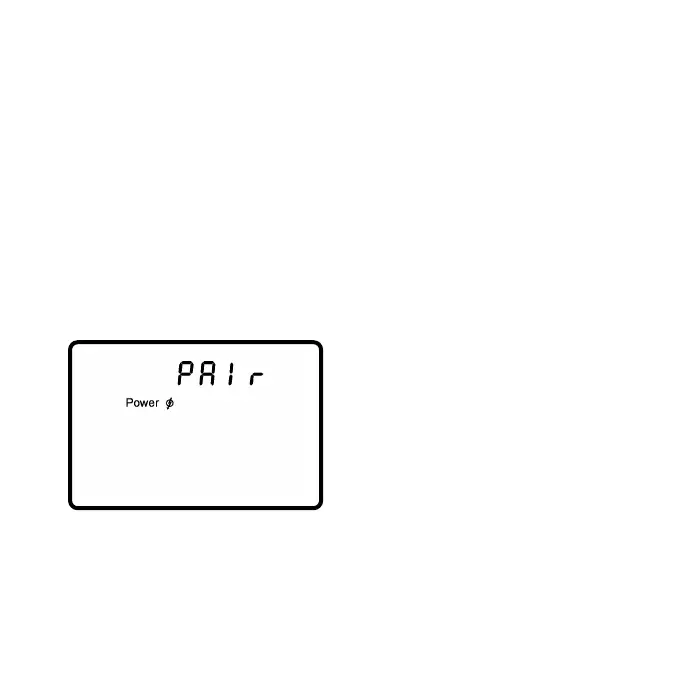
Hold for about 3 seconds to enter Sensor Pairing Mode. Press
to start searching for the PowerMeter.
The antenna symbol blinking on the
right of the display shows that the
searching process has started. The
search bar in the middle of the dis-
play shows the progress of the
search. If no signal is picked up,
make sure if the PowerMeter is
switched on (turn the crank) and the cadence magnet is 3-5mm
away from the PowerMeter lid. When the PowerMeter is found, the
PowerControl will show ”Found” on the top line, alternating with the
serial number. Press then to confirm the PowerMeter.



 To Next Page