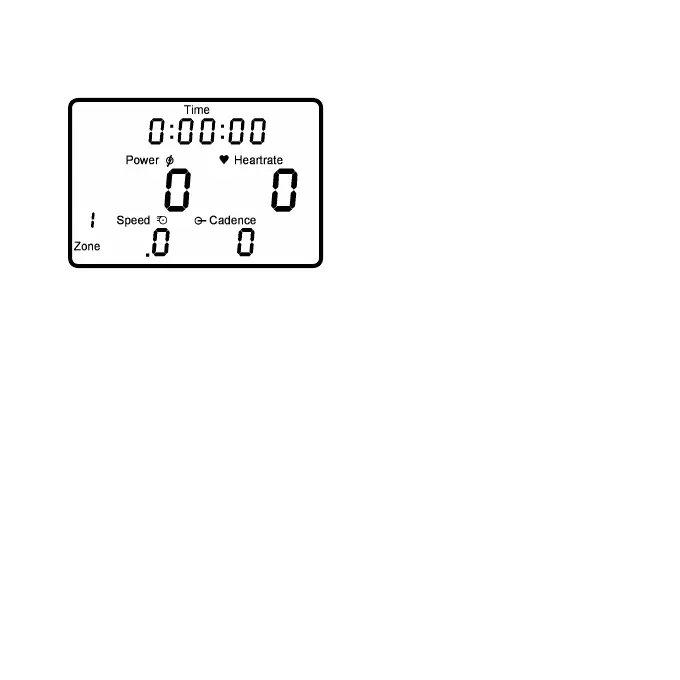
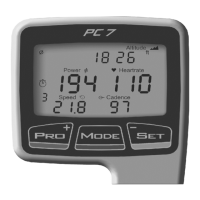
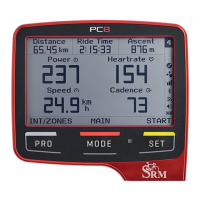
The real time training menu
shows real time data as the
athlete trains.
• Top Line: Training Time, Distance [miles or km], Ascending
Altitude [feet or m], Pedaling Time or all four alternating.
These can be changed using the provided SRM Software.
• Middle Line: Power [Watt; kW >1000], Heartrate [bpm].
• Bottom Line: Training Zone or Intervall if started,
Speed [km/h or miles/h], Cadence [rpm] .
If no signal from a sensor is picked up, the display shows “-“ for this
sensor instead of a number (i.e. “-“ under speed if the speed sensor
is not working).
Press to change from real time to average training data
menu.
- Page 11 -



 To Next Page