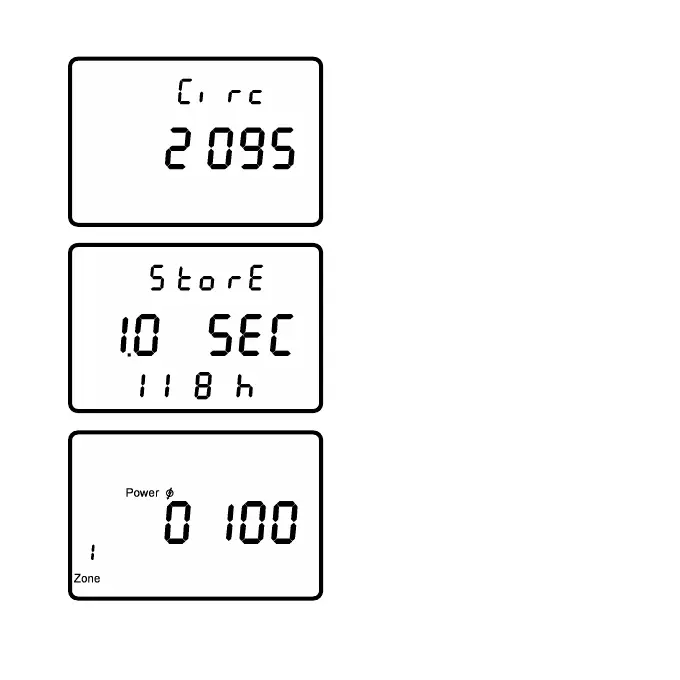
The third screen shows the setup
menu for the wheel circumference
in millimeters [mm]. Press to
increase or to decrease the
value of the flashing digit. Press
to select each of the next
3 digits, then proceed to the next
screen. The fourth screen shows
the setup menu for data storage
interval. The storage interval can
be set between 0.5 and 5.0 sec.
By increasing or decreasing
.the storage interval, the
available memory shown on the
bottom line changes from 65 to
655 hours.
The fifth screen sets the variable
to be used for training zones:
heart rate [bpm] or power [watts].
The sixth to tenth screens define
the limits for each training zone.
Hold for more than three
seconds to return to the main
menu.
- Page 22 -



 To Next Page