Software description
Main window
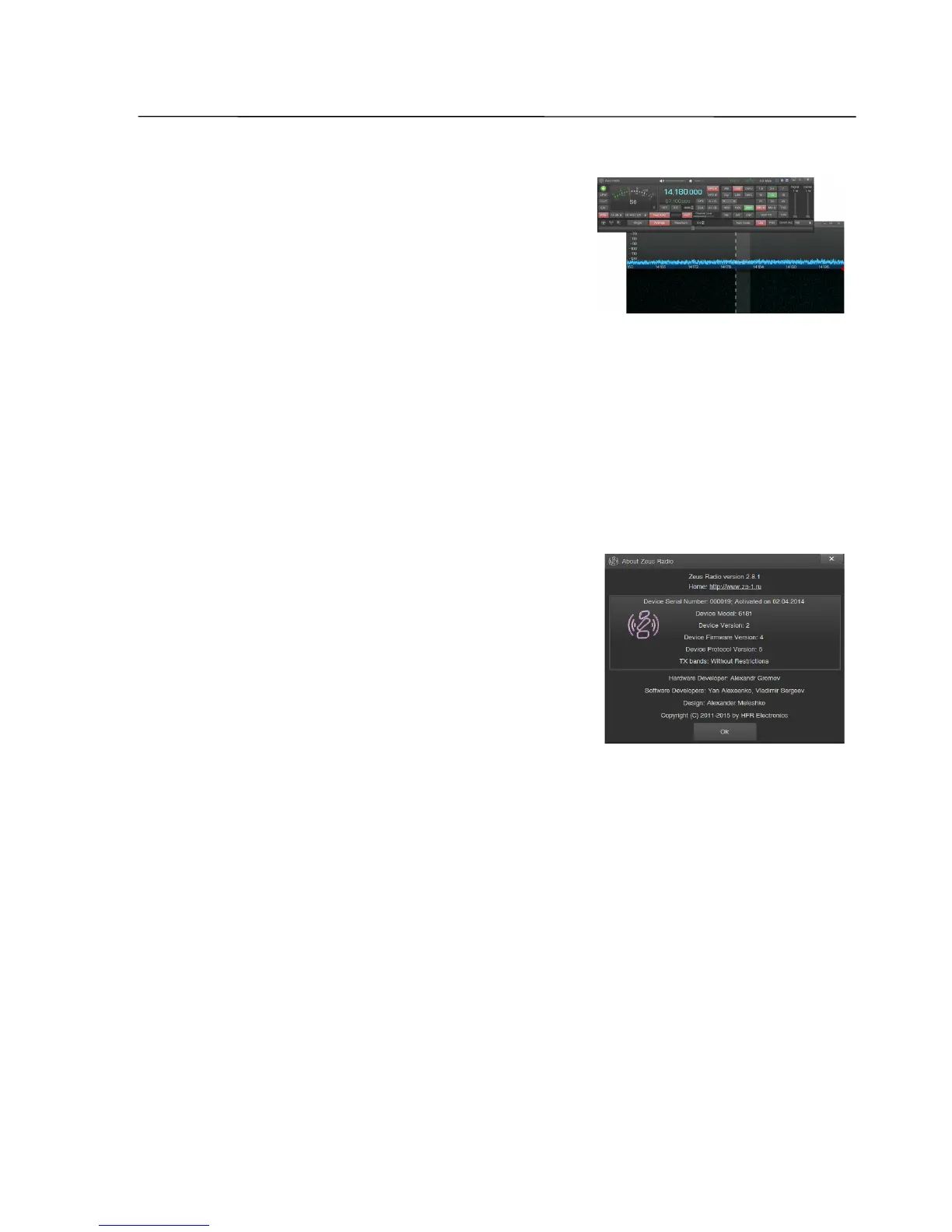
38 Button for main window separation
This button allows to separate all of the controls
from spectrum and waterfall. This way, for example,
these two windows may be placed on different
monitors. A further click will reunite both windows.
39 Hotkeys
By clicking on the hotkeys button an additional window with keystrokes and MIDI
controls settings opens.
40 Settings
By clicking on the settings button an additional window with important settings of
the ZeusRadio software opens.
41 Info
By clicking on the info button an additional
window with the basic information about transceiver
and software opens.
42 Spectrum display
43 Waterfall display
44 The vertical axis of the spectrum
Depending on the chosen setting (linear or logarithmic) the values are shown in
uV (microvolt) or dBm.
By moving the mouse up or down with the left button pressed the vertical scale of
the spectrum will be adjusted.
By moving the mouse up or down with the right button pressed the reference
value of the spectrum will be adjusted.
45 The horizontal axis of the spectrum (frequency axis)
Frequency values are displayed in kHz.
By moving the mouse to the left or right with the left button pressed the shown
frequency range is shifted. The VFO frequency will not change as long as it remains
within the visible frequency range.
By moving the mouse to the left or right with the left button pressed the
displayed bandwidth can be changed continuously from 10 kHz up to 4 MHz.
SSB-Electronic GmbH © Page 26 of 88 V2.8.1 Content is protected by Copyright.



 To Next Page