Basic operation
Frequency setting
There are various options for tuning the frequency.
Turning the scroll wheel when the mouse pointer is set within the spectrum or
waterfall will change the frequency of the active VFO corresponding to the scroll
direction. Tuning step can be set in the Scroll field.
By the left mouse button click onto a signal within the spectrum or waterfall the
according frequency is set. To tune on a station it is enough just to click on it and
fine-adjust with the scroll wheel.
Each digit in the frequency display can be changed individually by positioning the
mouse pointer and turning the scroll wheel, or by a click with the left mouse button
(a click above the digit increases the value, a click below the digit reduces it).
If you hold down the Ctrl key and rotate the mouse wheel in the spectrum or a
waterfall, or on one of the digits of the VFO frequency, then the change will not only
have effect on the VFO frequency, but on the center of the displayed bandwidth. If
in the Settings window the parameter "Inverse when CTRL key down" is set to Yes,
then the rotation of the mouse wheel in the spectrum, waterfall, or on one of the
digits of the VFO frequency is reversed, the VFO frequency and the center
frequency of the span will change synchronously then without pressing CTRL
A click on the active VFO button centers the actual frequency to the middle of the
spectrum.
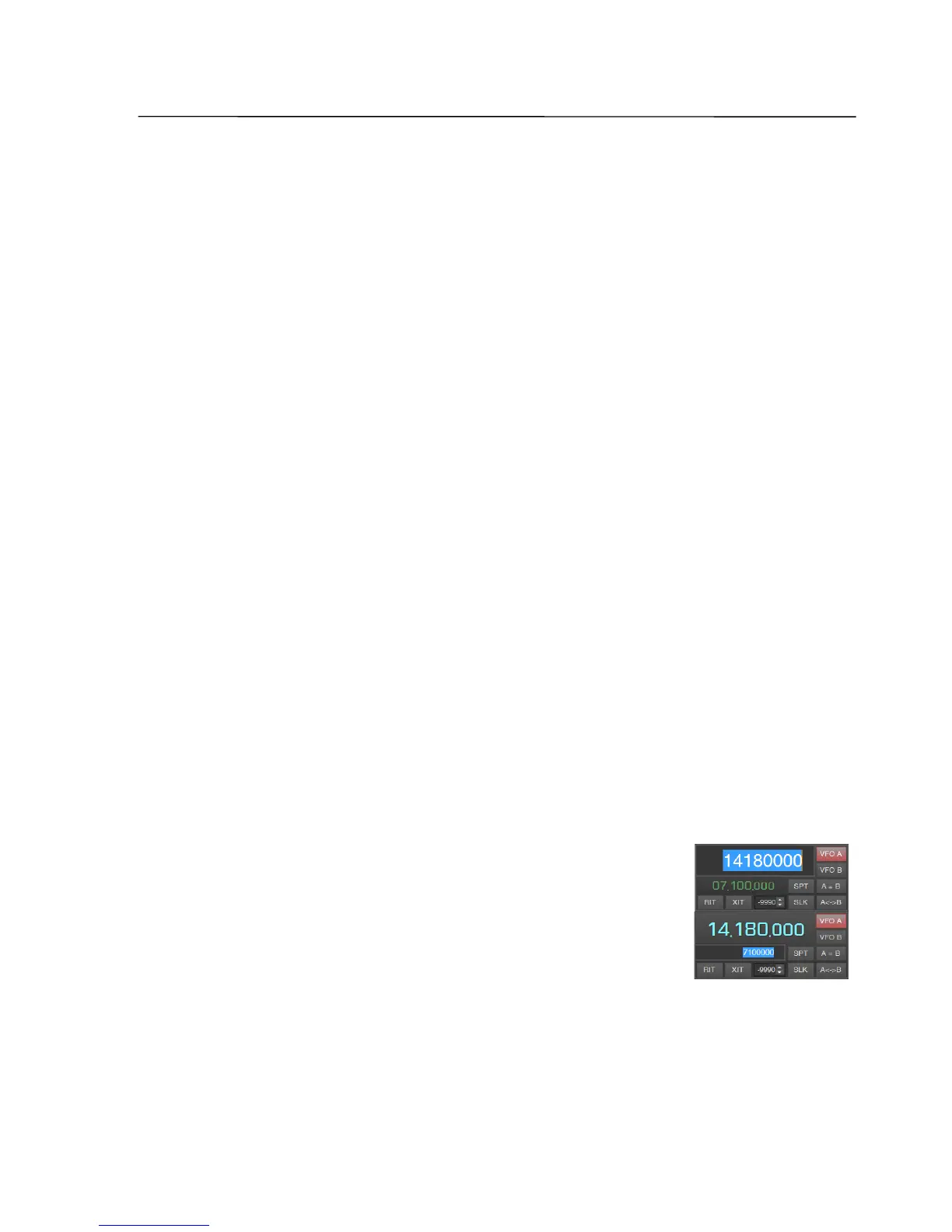
Furthermore, the VFO frequency can be entered via the
keyboard. Therefor the VFO frequency has to be marked with
the right mouse button, the value has to be entered and the
"Enter" key has to be pressed. The frequency of the inactive
VFO in the field below may be altered in the same way.
For changing the frequency band, nine buttons with the amateur radio bands are
available. In each band the last chosen settings (the frequency within the band, the
modulation mode and the spectrum bandwidth) are stored.
With the horizontal slider at the bottom of the window the transceiver can be set
quickly to any frequency within the complete range.
SSB-Electronic GmbH © Page 53 of 88 V2.8.1 Content is protected by Copyright.



 To Next Page