Basic operation
RIT, XIT and SPLIT modes
Usually the frequencies for receiving and transmitting will be identical. In this
case, simply choose a VFO. If different frequencies should be used, three options
are available: RIT, XIT and SPLIT.
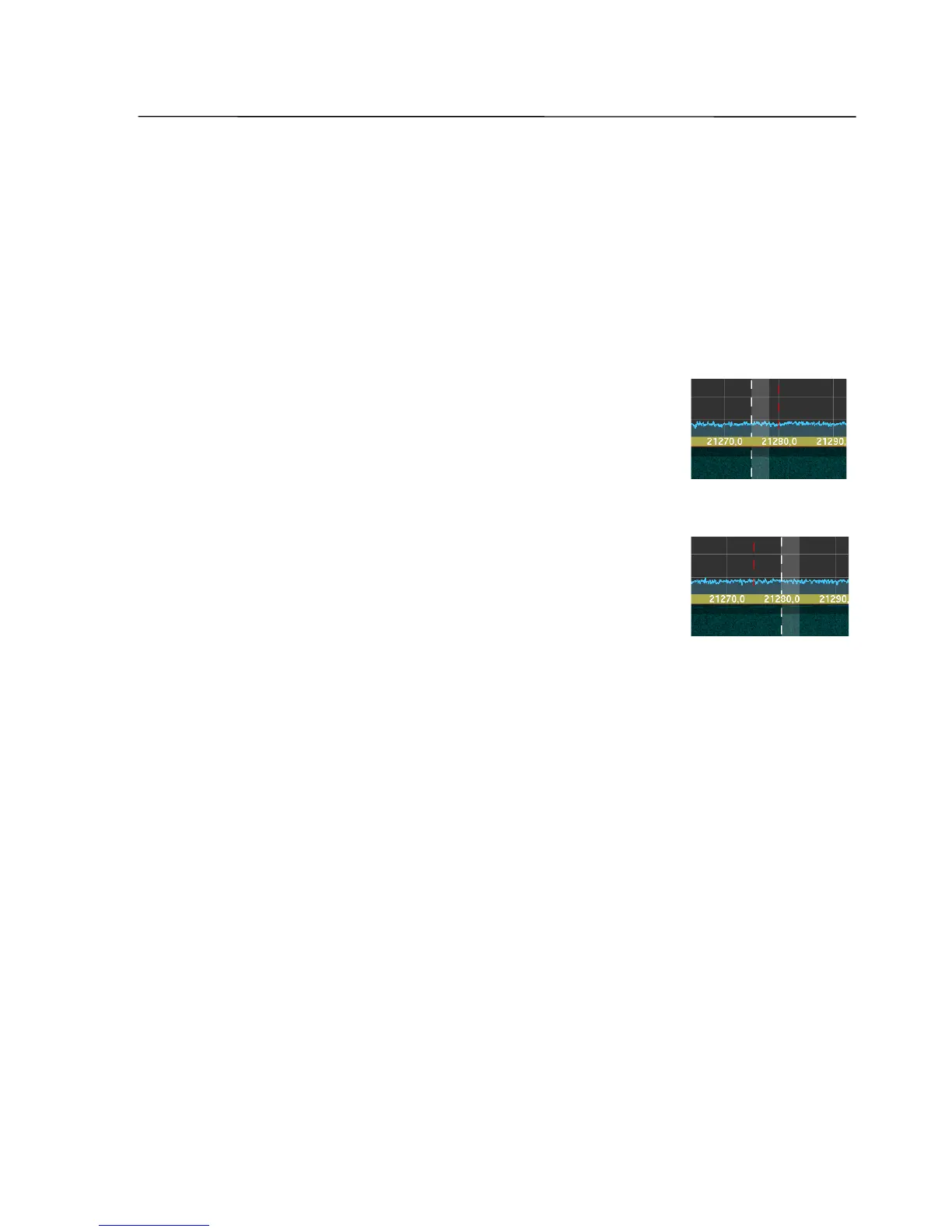
When one of these modes is activated, in the spectrum display a red line with
dots will appear, representing the transmission frequency.
RIT (Receive Incremental Tuning) changes the receiver
frequency in the range of ±9990 Hz, while the transmission
frequency remains unchanged. In the screenshot an example is
shown, where the VFO frequency is 21.280.000 Hz and the RIT
frequency is -5000 Hz.
XIT (Transmit Incremental Tuning) changes the transmission
frequency in the range of ±9990 Hz, while the receiver
frequency remains unchanged. In the screenshot an example is
shown, where the VFO frequency is 21.280.000 Hz and the RIT
frequency is -5000 Hz.
With activated SPLIT function (SPT) reception is on the frequency of the active
VFO, the transmission will be on the frequency of the second VFO. If VFO B is active,
reception is on the frequency of VFO B, while VFO A represents the transmission
frequency.
VFO A and VFO B can be set to different bands and different modulation modes.
For example, reception can be done on 21.280.000 Hz in SSB mode, while
transmission is done on 7.050.000 Hz in CW mode. The according band button for
transmission is highlighted in red.
With activated SLK (Split Lock), a frequency change of the active VFO (receiver
frequency) will be taken over to the same extent to the frequency of the inactive
VFO (transmitter frequency).
By clicking the A=B button the frequencies of VFO A and VFO B are synchronized.
The chosen modulation modes of the VFOs are not influenced hereby.
By clicking the A <-> B button the assignments of the frequencies of VFO A and
VFO B are reversed regarding reception and transmission. The chosen modulation
modes of the VFOs are not influenced hereby.
SSB-Electronic GmbH © Page 54 of 88 V2.8.1 Content is protected by Copyright.



 To Next Page