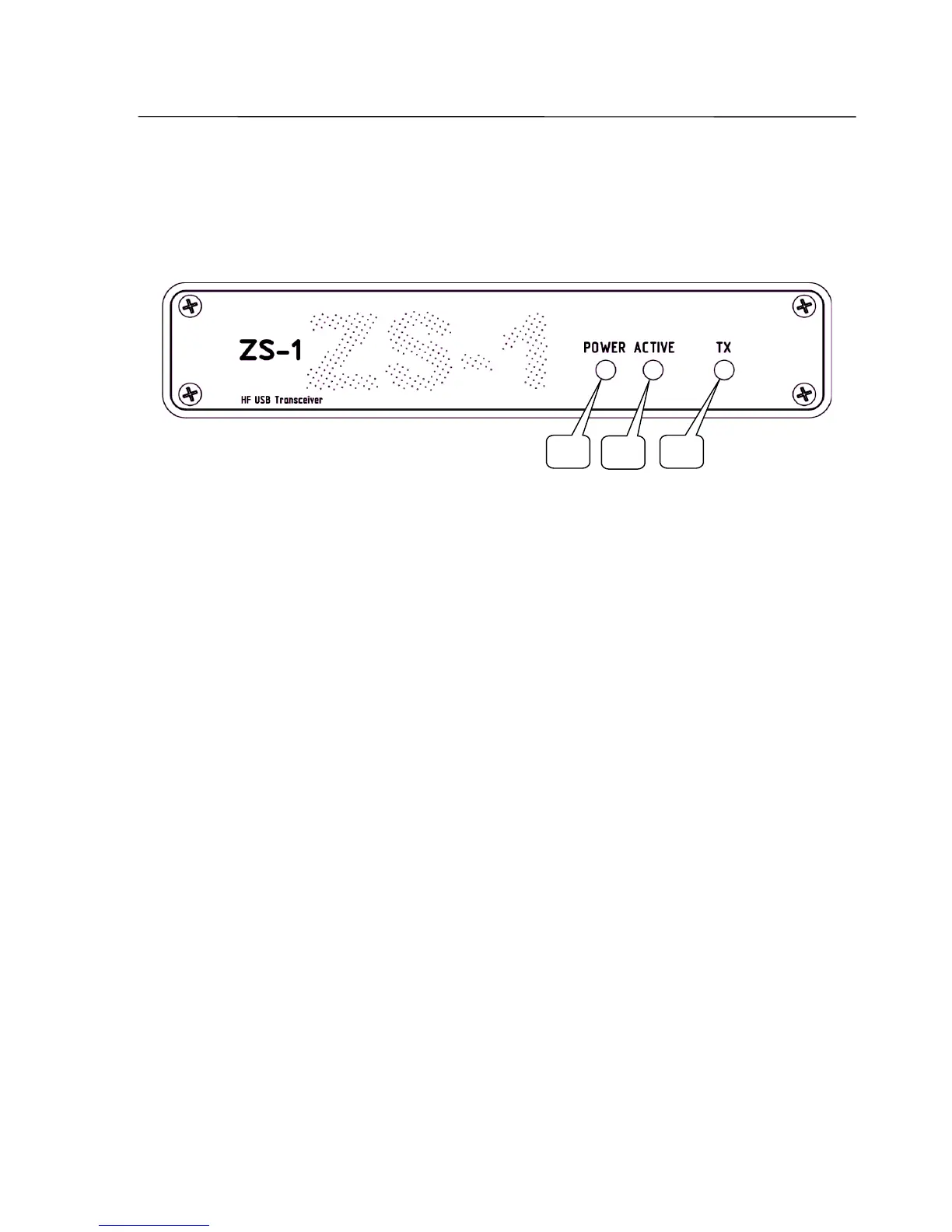
Panel description
Front panel
1 POWER
LED Indicator shows the existence of the supply voltage.
Note: The indicator does not light up until the transceiver is connected to the PC.
2 ACTIVE
LED Indicator shows the operation mode of the transceiver.
When the ZeusRadio is not used or the USB cable is not connected, the LED
indicator will go out and the transceiver is in the stand-by mode.
3 TX
LED Indicator for transmission mode.
SSB-Electronic GmbH © Page 9 of 88 V2.8.1 Content is protected by Copyright.
1
2
3



 To Next Page