Software description
CW Panel window
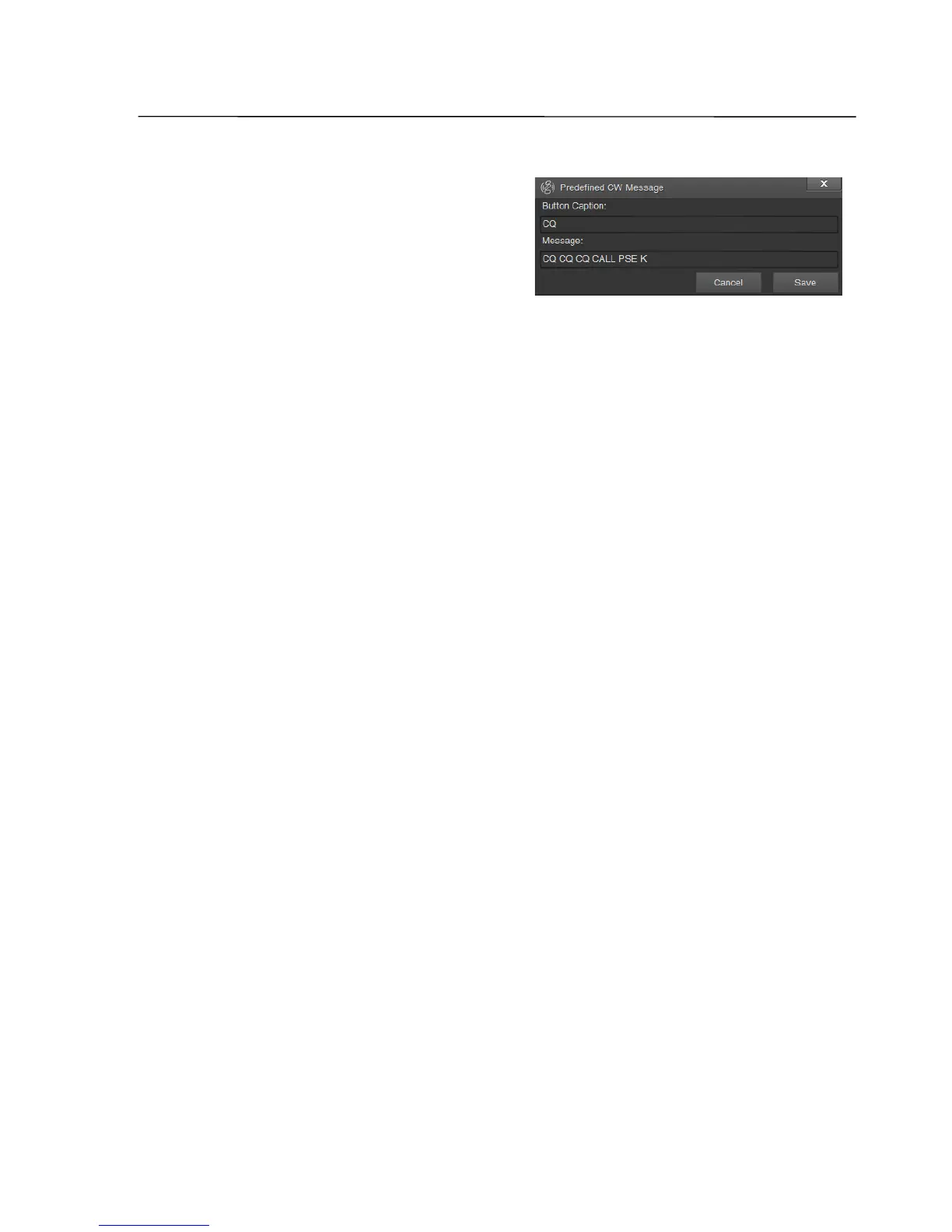
By pressing a right mouse button a new
edit window opens. As well as the text of the
template message, the button caption can
be set by the user. After completion of a
editing, the "Save" button has to be clicked.
10, 11, 12 Message, Word, Character buttons
Buttons for selection of the CW message transmission mode:
Message – the message will be transmitted after a click on the „Send“ button or
the „Enter“ key on the keyboard.
Word – the message will be transmitted after pressing the space bar, or the
„Enter“ key, or after a click on any of the templates buttons.
Character – each input will be transmitted immediately.
Note: By pressing the Esc key on your keyboard, the transmission of the message is interrupted.
13 CW message input field
14 History of transmitted messages
15 Send/Canсel button
After a click on this button „Send“ the text in the input field will be transmitted. A
further click will cancel transmission.
SSB-Electronic GmbH © Page 31 of 88 V2.8.1 Content is protected by Copyright.



 To Next Page