Software description
TX Signal Settings window
Clicking on the tape icon starts the looped replay of the recorded audio sample,
allowing to make adjustments of the signal processing algorithms using the audio
sample recording.
Mic DSP A and Mic DSP B are the selection buttons for two separate sets of
microphone settings.
3 Import and Export Settings Group
Pressing the Export button saves the current settings (Mic DSP A or B) to the file.
Press the Import button to read settings from the file.
The Reset button resets settings to its original state.
Note: To save a set of settings, you can add a text label or specific name. By default sets are called
Default MIC A and Default MIC B. This text can be replaced by any other.
4 Microphone Gain Group
There is a button to turn on this processing unit (Enabled), and the input field for
the microphone signal gain.
Note: This block performs the function of amplifying the signal only in digital form, and does not
control the specific functions of the sound card, if available.
5 VST Plugins Group
Enabled button includes a set of the VST plug-ins in the
processing path of the transmission signal.
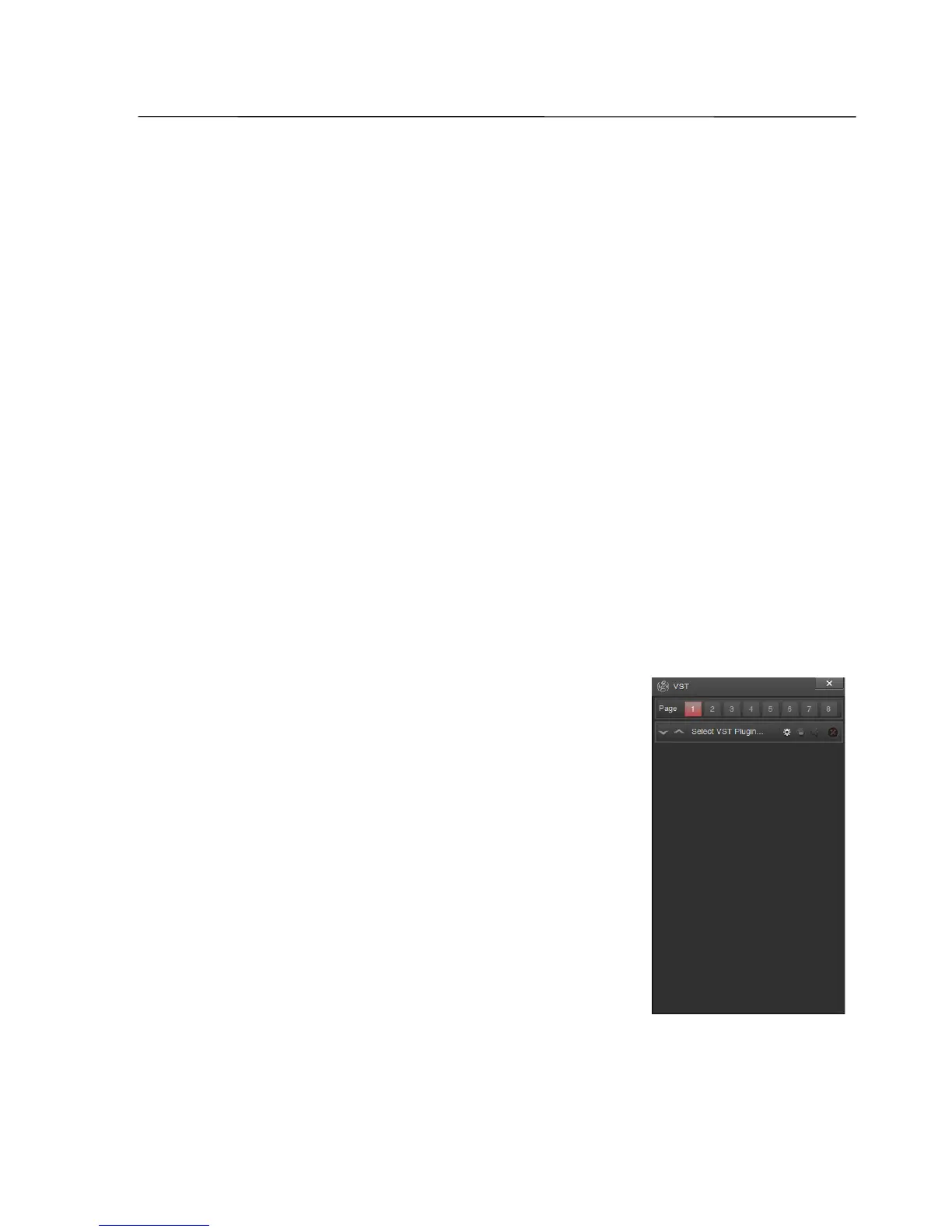
A click on the View button opens the VST window.
In this window, you can build a processing path of the
microphone signal of 96 series-connected VST plug-ins (8
pages with 12 plug-ins).
For each plug-in there are buttons to move it up or
down the list, open the settings for the selected plug-in, its
inclusion in the transmission path, and remove from the
list.
SSB-Electronic GmbH © Page 47 of 88 V2.8.1 Content is protected by Copyright.



 To Next Page