SST-PFB-SLC User’s Guide
42
5.4.5 Fatal Errors
The following are fatal errors. You must power down the system and restart
to clear these errors.
If the status register contains STS_CFG_INTERNAL_ERROR (80h) there
has been an internal error on the scanner. Record the contents of the
errInternal and errArg registers and contact technical support at SST. The
errInt is stored in the high byte of register 4129 of the m1 file. The errArg is
stored in the low byte of register 4130 of the M1 file and also in register 4012
of the M1 file.
Exiting Config Mode
To exit configuration and let the scanner complete its start-up, issue the ‘exit’
command. You must do this before the scanner can be put online. The
scanner turns off both LEDs when it is no longer in config mode.
If there have been changes to the configuration, the scanner asks you whether
you want to store those changes in flash before you exit.
Using Windows 95/98 Hyperterminal to Access the Scanner
Use the following steps:
1. Start HyperTerminal and create a new connection.
2. For ‘Connect using:’, select ‘Direct to Com n’ where n is the serial
port you are using.
3. Select 115200 Bits per second, 8 Data bits, set Parity to None, select
1 Stop Bit, and set Flow control to None.
You should now be able to communicate with the scanner serial port.
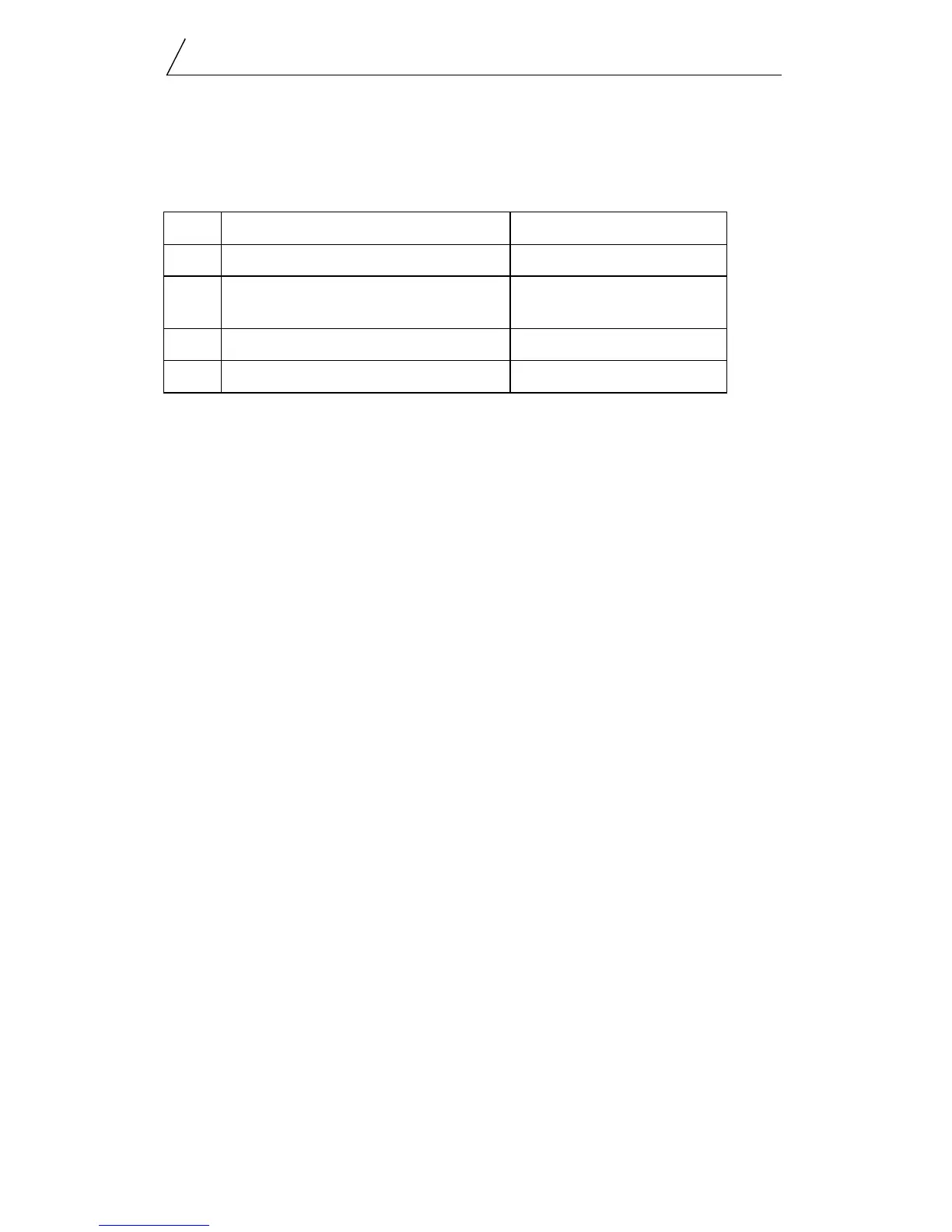
80h STS_CFG_INTERNAL_ERROR internal error
81h STS_OUT_OF_APBS out of application blocks
82h FATAL ERROR:pfb
Status=82,errArg=00,interr=00
host did not kick watchdog
within the watchdog period.
83h STS_HEAP_ALLOC_FAIL internal error
84h STS_SH_HEAP_ALLOC_FAIL internal error


 To Next Page