Owner’s Manual
7
Operation
Understanding the Display and Controls
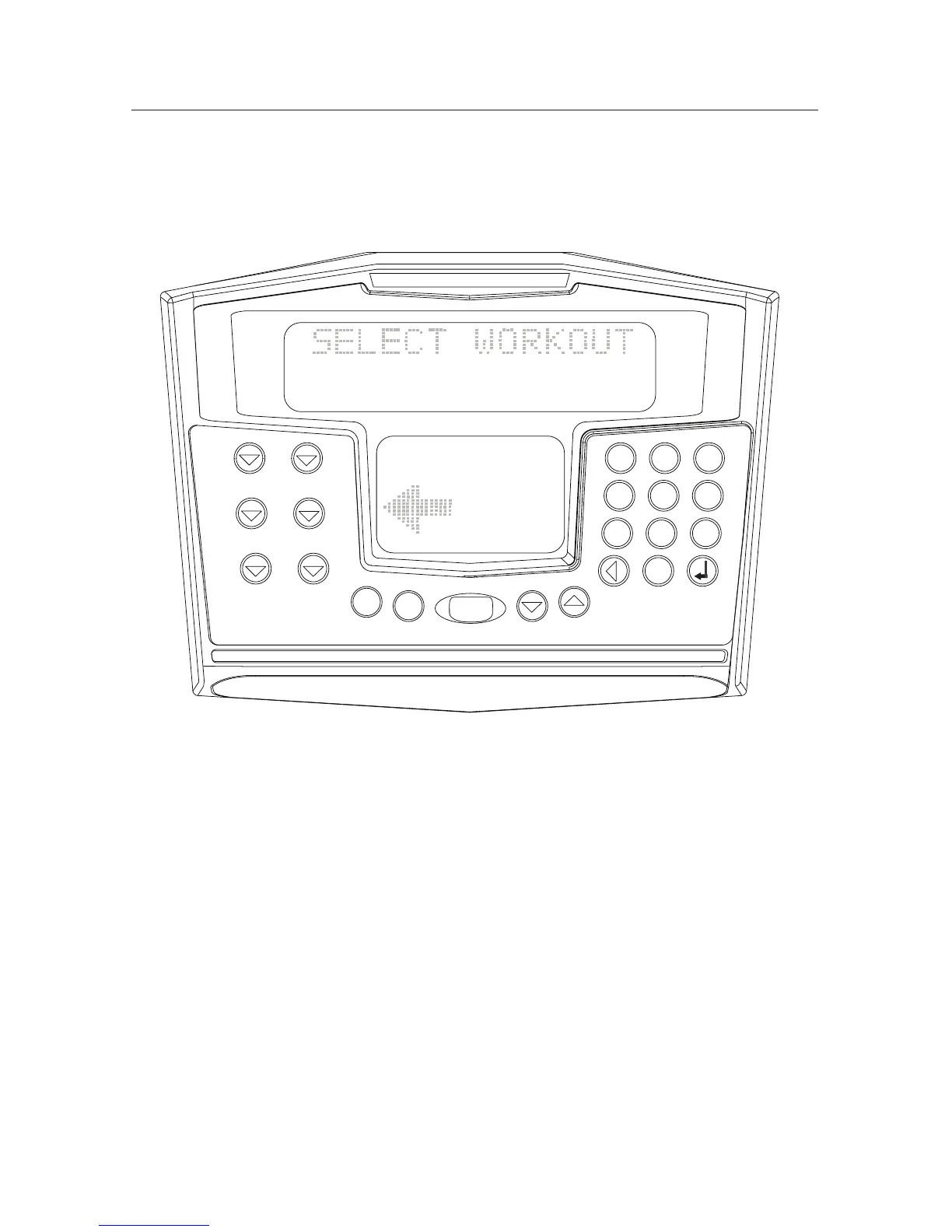
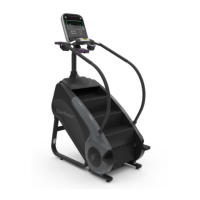
The SM916 console is a computerized panel used to operate the StepMill SM916
®
display workout data and operational status . Take time to read through and
familiarize yourself with the operation of the StepMill
®
SM
916
, and the location
of all keys, to take full advantage of all of your machine’s workout options.
Display Definitions and Functions
Computer Display and Functions:
TIME The selected workout time is displayed in the upper left
section of the upper display window. In most of the
workouts, the timer will count down, in minutes and
seconds, until the workout is finished or stopped. If (0) is
entered in the (MANUAL) or (HR ZONE TRAINER) workout,
the timer will count up.
INTERVAL TIMER The interval timer is displayed in the lower display, upper
left corner. The interval timer counts down the remaining
time
within each interval.
STEP RATE Pressing the key increases the workload intensity.
Pressing the key decreases the workload intensity.
SM916
STOP
1
2
3
4
5
6
7
8 9
0
STOP
STOP
STOP
STOP
QUICK
START
MORE
WORKOUTS
HR ZONE
TRAINER
CALORIE
BURNER
INTERVALS
MANUAL
FAT
BURNER













 To Next Page