MOTOR CALIBRATION
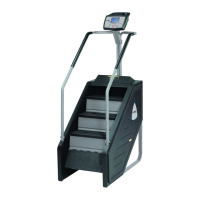
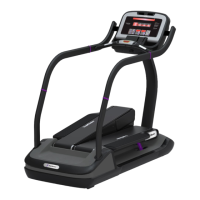
The Motor Calibration function allows for calibration of the treadclimber's speed function.
CAUTION: Changing Max Speed setting may expose users to increase risk. Any changes to the
treadclimber's maximum speed settings should be clearly communicated to all users of the
treadclimber. To enter the Motor Calibration function:
1. While in the Maintenance Mode, press the key, or navigate to the Motor Calibration by
the next or the previous parameter buttons .
2. While in the Motor Calibration, press the key to begin the calibration. The information
window will display “PWM= XXXXXX SPEED=XX.X” where the X’s are data the that test
will generate.
When the test is finished the information window will display one of the 2 messages “Passed
Calibration” or “Failed Calibration”. If “Failed Calibration” is displayed run test again, if it
continues, call for maintenance.
3. Press the STOP key to exit the Motor Calibration function.


 To Next Page