Making a call
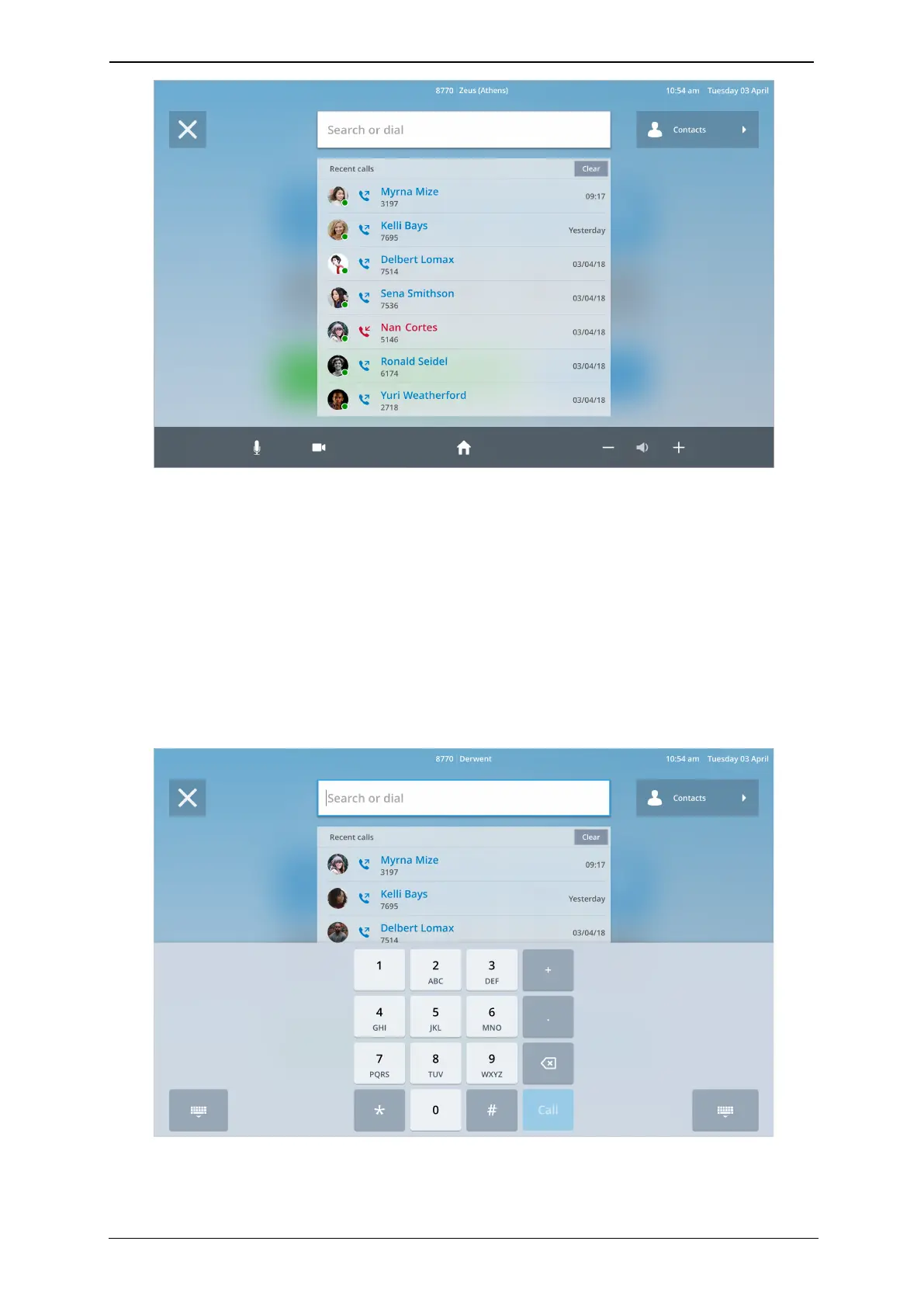
2. Touch their name to start a video call with them.
To go back to the home screen, tap the Home icon in the bottom tool bar.
Dialer
To dial any video address, for example a third-party meetings platform or video
conferencing equipment, touch the Dialer icon.
1. Type the number or address that you want to call by using the number pad or
keyboard. You can switch between these by touching the icon in the bottom left-hand
corner.
2.
Touch Call
StarLeaf room system guide, 04 May 2020 Page 12 of 21



 To Next Page