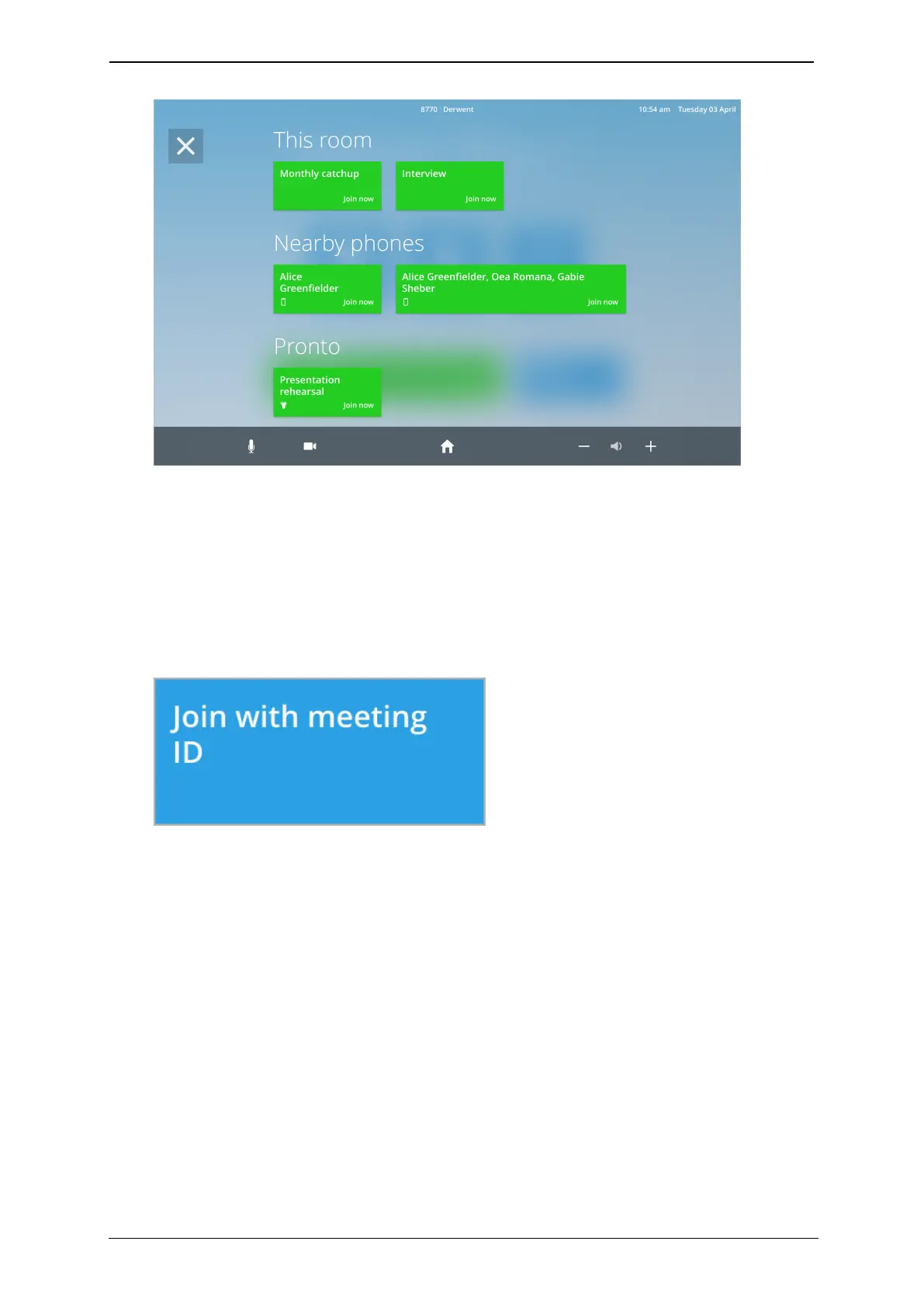
How to join a meeting with the room system
2. Touch the meeting you want to join.
How to join with a meeting ID
To join a permanent meeting, or a meeting that the room system has not been invited to,
use the Join with meeting IDbutton.
1. Find the meeting ID with which to join the meeting. This can be found either in a
StarLeaf invite or on a StarLeaf scheduled calendar event.
2.
Touch Join with meeting ID.
3. Type the meeting ID of the meeting you want to join. You can find this ID in a StarLeaf
invite or StarLeaf scheduled calendar event.
StarLeaf room system guide, 04 May 2020 Page 8 of 21



 To Next Page