How to join a meeting with the room system
Multiple meetings
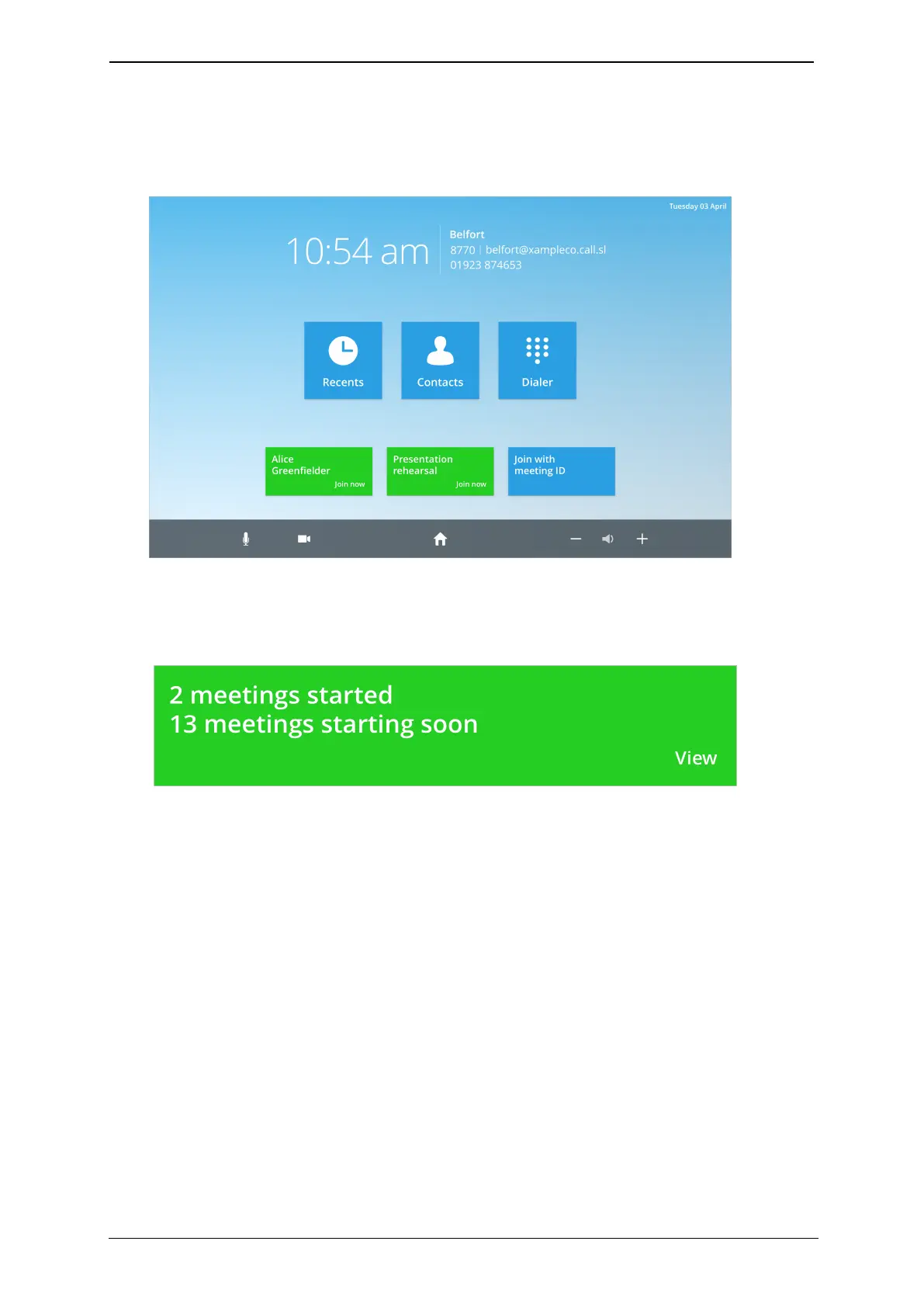
If two meetings have been scheduled in your room system, and are due to start, two
green buttons appear on the home screen:
When more than two meetings are due to start in your room system, you can choose
which meeting to have in your room system:
1. Touch the green button.
StarLeaf room system guide, 04 May 2020 Page 7 of 21



 To Next Page