Meeting controls and features
Pronto, HDMI, VGA, DVI-D).
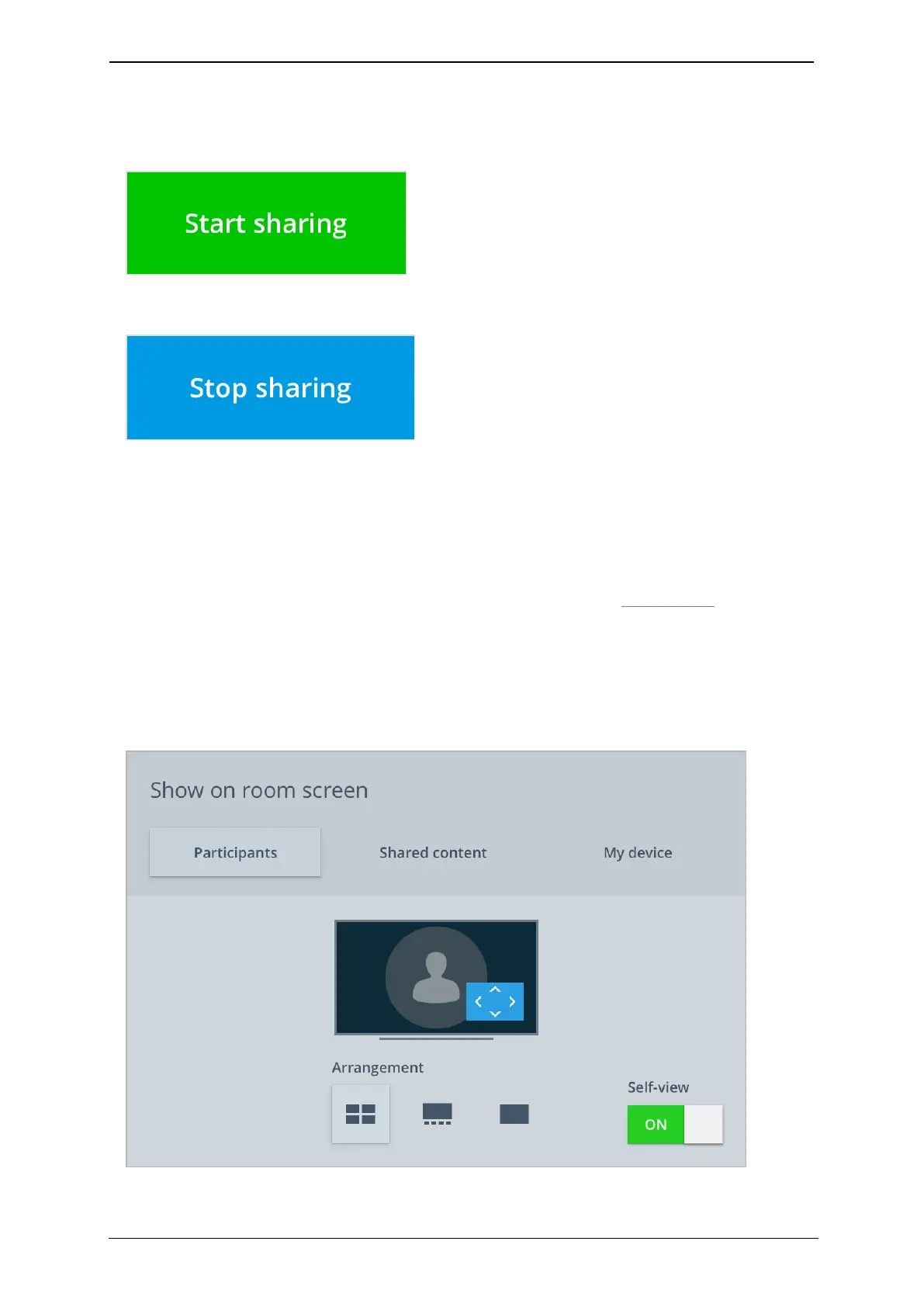
To share content with participants who have dialed in, press Start sharing on the
touchscreen controller.
The control turns blue while you are content sharing.
Press Stop sharing to stop sharing.
To stop sharing to the meeting room, disconnect the cable from your laptop or PC.
Using Pronto
For more information regarding content sharing with Pronto, go to Using Pronto.
How to customize your screen layout
To customize your screen layout and how you see participants, touch the Screen layout
icon.
StarLeaf room system guide, 04 May 2020 Page 16 of 21



 To Next Page