Meeting controls and features
Meeting controls and features
In this topic:
n Icon Glossary (p14)
n Using the Manage panel (p15)
n How to share your screen (p15)
n How to customize your screen layout (p16)
Icon Glossary
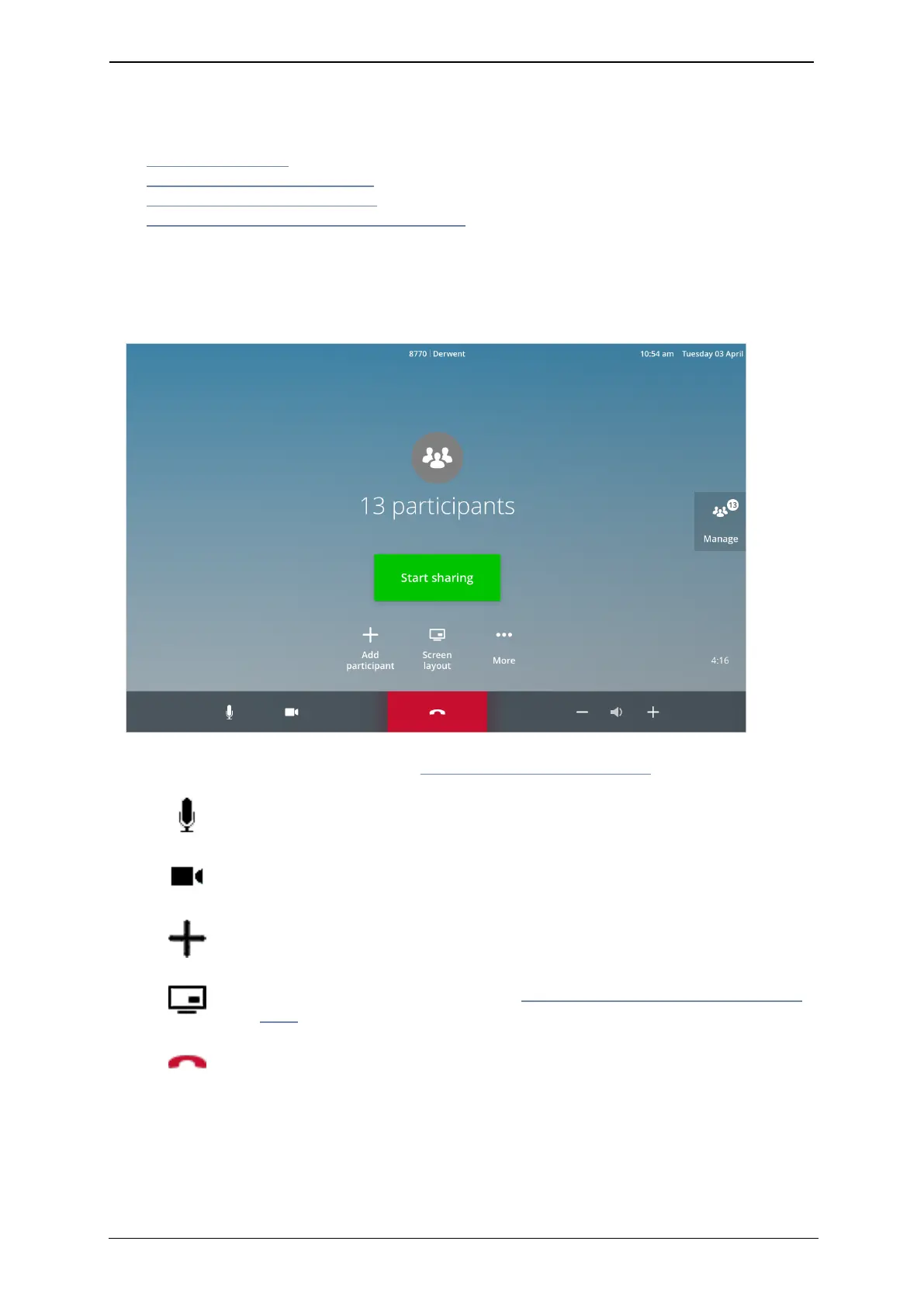
When you are in a meeting, the touchscreen shows the following controls and features:
For information on content sharing, see How to share your screen (p15).
Choose whether to have your microphone on mute or unmute before
or during a call
Customize your camera's point of view, and choose whether to have
your camera on or off before or during a call
Add another person to the meeting
Customize your screen layout (see How to customize your screen layout
(p16) for more information)
Hang up from the meeting
StarLeaf room system guide, 04 May 2020 Page 14 of 21



 To Next Page