Call controls and features
n
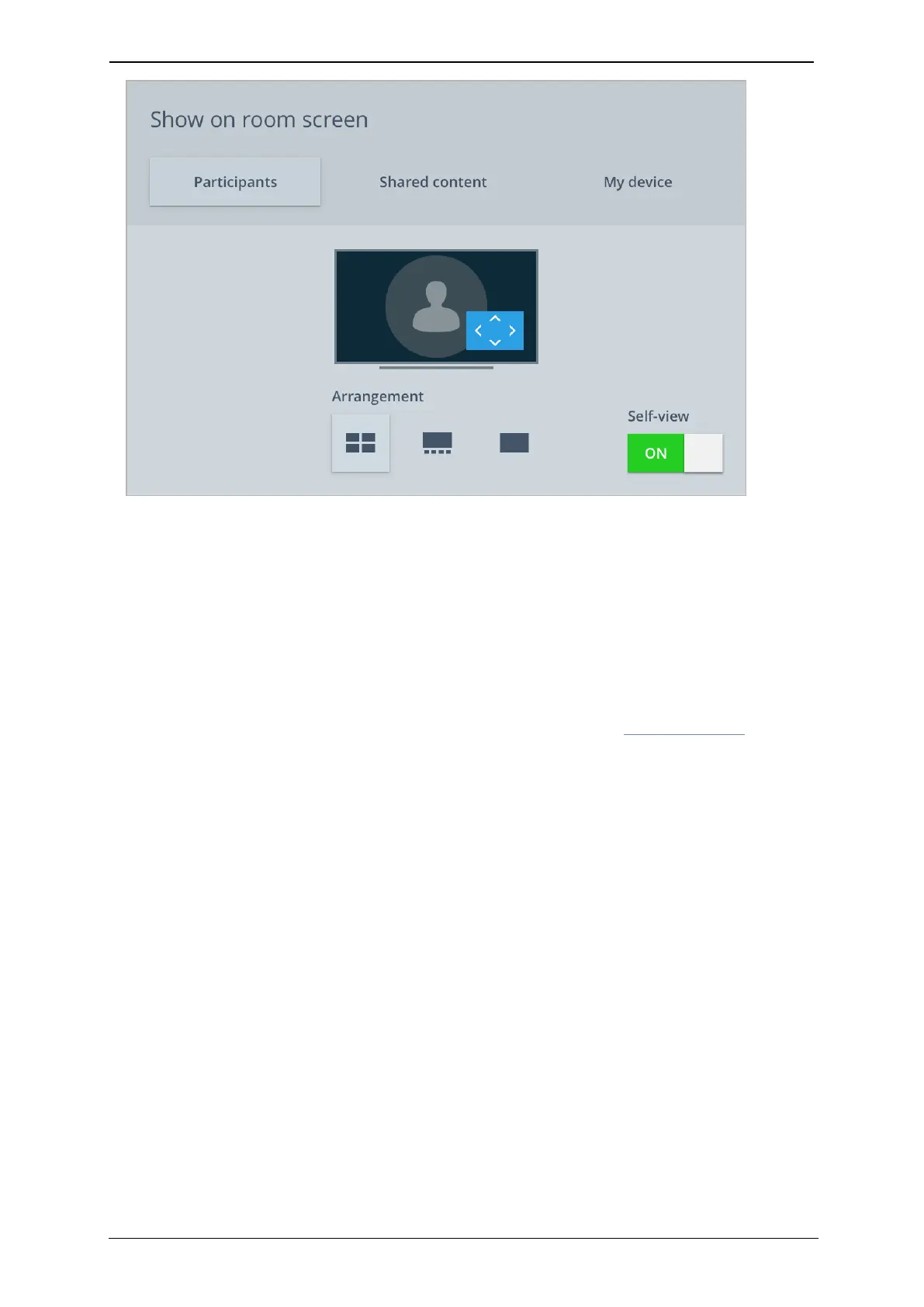
To change how you see participants, select the Participants tab and choose an
Arrangement
n To choose whether to view content being shared by other participants, select the
Shared content tab
n To view the display of a device which you have connected to the room system (such as
a laptop), select the My device tab
n
To switch your self-view on or off, use the Self-view toggle. This only removes the view for
you and people in the room, remote participants in the meeting can still see you. To
turn off your camera, use the Mute camera icon on the bottom toolbar of the screen
You can find more information about layouts and arrangements in Meeting layouts.
StarLeaf room system guide, 04 May 2020 Page 20 of 21



 To Next Page