tag is lost
tag or remote key battery discharged
mobile App and M1 phone not available
Anti-hijack mode activated
Emergency disarming with service button
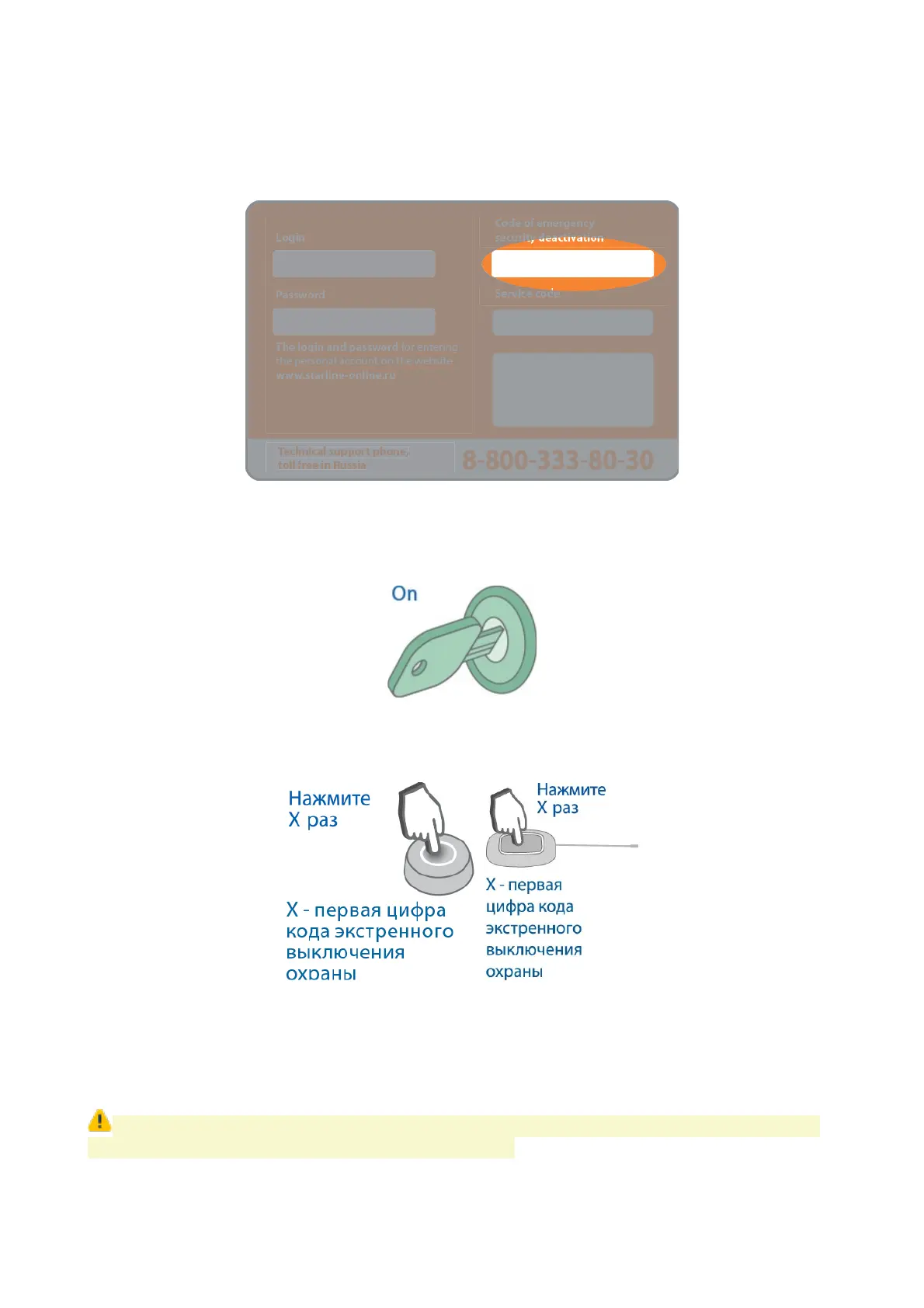
1. Make sure ignition is switched Off.
2. Push service button or external transceiver button a number of times, equal to the first
digit of emergency disarm code.
3. Each digit entry will be confirmed within 3 sec with service button LED flashes in a
number equal to a sequence number of corresponding digit entered (1,2, 3 or 4 times).
4. Repeat 1...2 steps for remaining digits.
5. Valid code entry will be confirmed with 3 flashes and 3 sounds, system shall disarm.
If invalid emergency disarm code is entered 3 times, then next entry shall be blocked
for 15 min. Owner will be alerted with text message.
50



 To Next Page