16
Operating
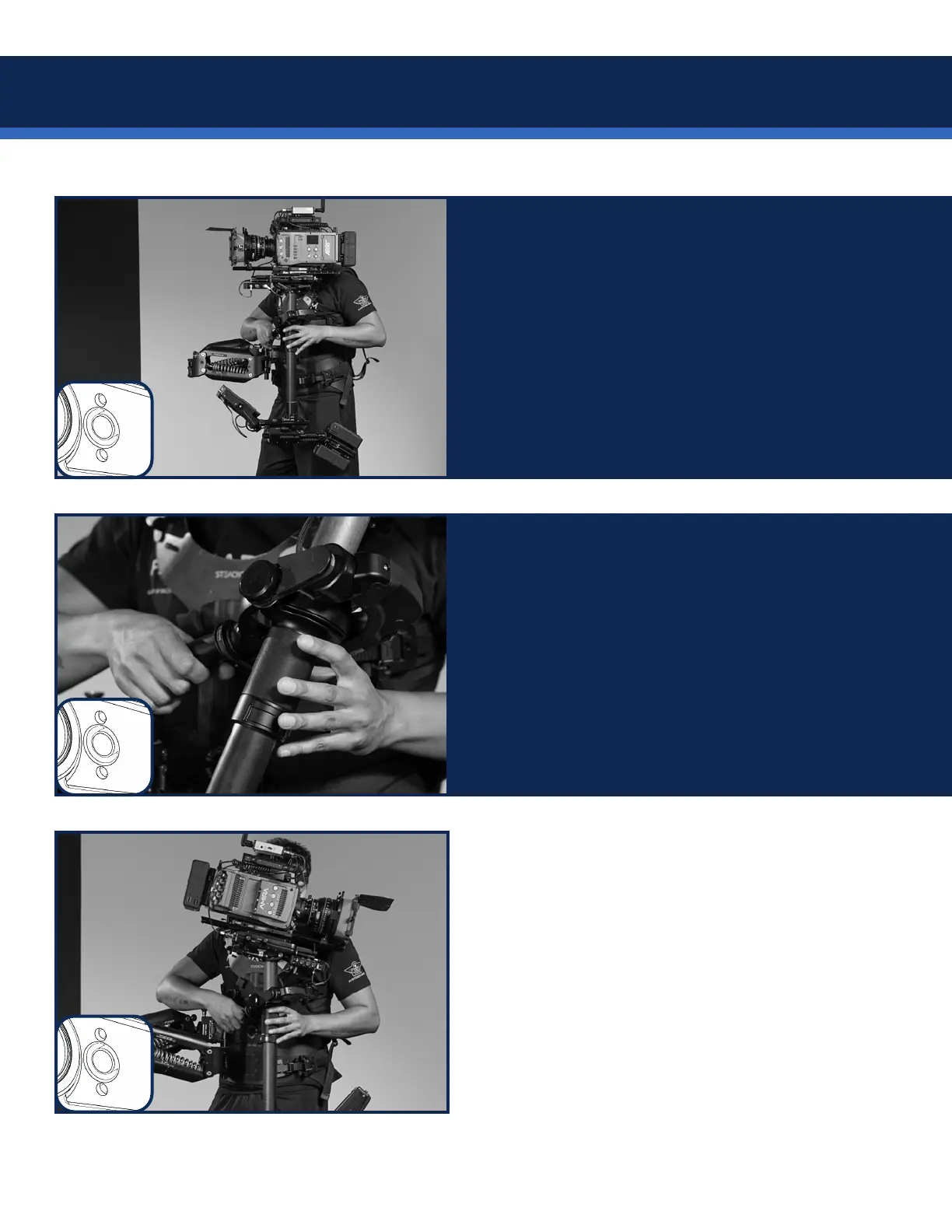
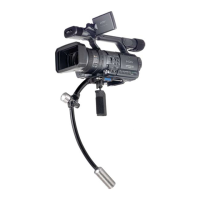
The two operating modes are toggled with a
LONG press of the gimbal button.
In normal mode, the sled will return to your
trimmed tilt angle, simulating a normally balanced
Steadicam sled.
Normal mode is always default and displays
SOLID green LEDs.
The second mode is called the “Friction mode”
and displays PULSING green LEDs.
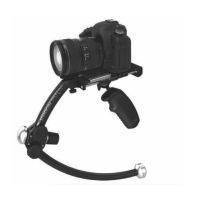
In friction mode, the sled will remain tilted
where the operator places it and require force to
change tilt position.
It’s like having a uid head on your Steadicam!
Using your sled’s integrated tilt head maintains
the vertical post, ideal for panning.
First, pause the system, change the tilt and re-
balance the sled.
Then run the Volt and set a new tilt trim by short
pressing the gimbal button.


 To Next Page