22
ROTATE SCENE
You can rotate the Scene itself by clicking and dragging your mouse in any direcon. Clicking this
buon will return the view to the home posion; viewing from the front centre.
SETTINGS
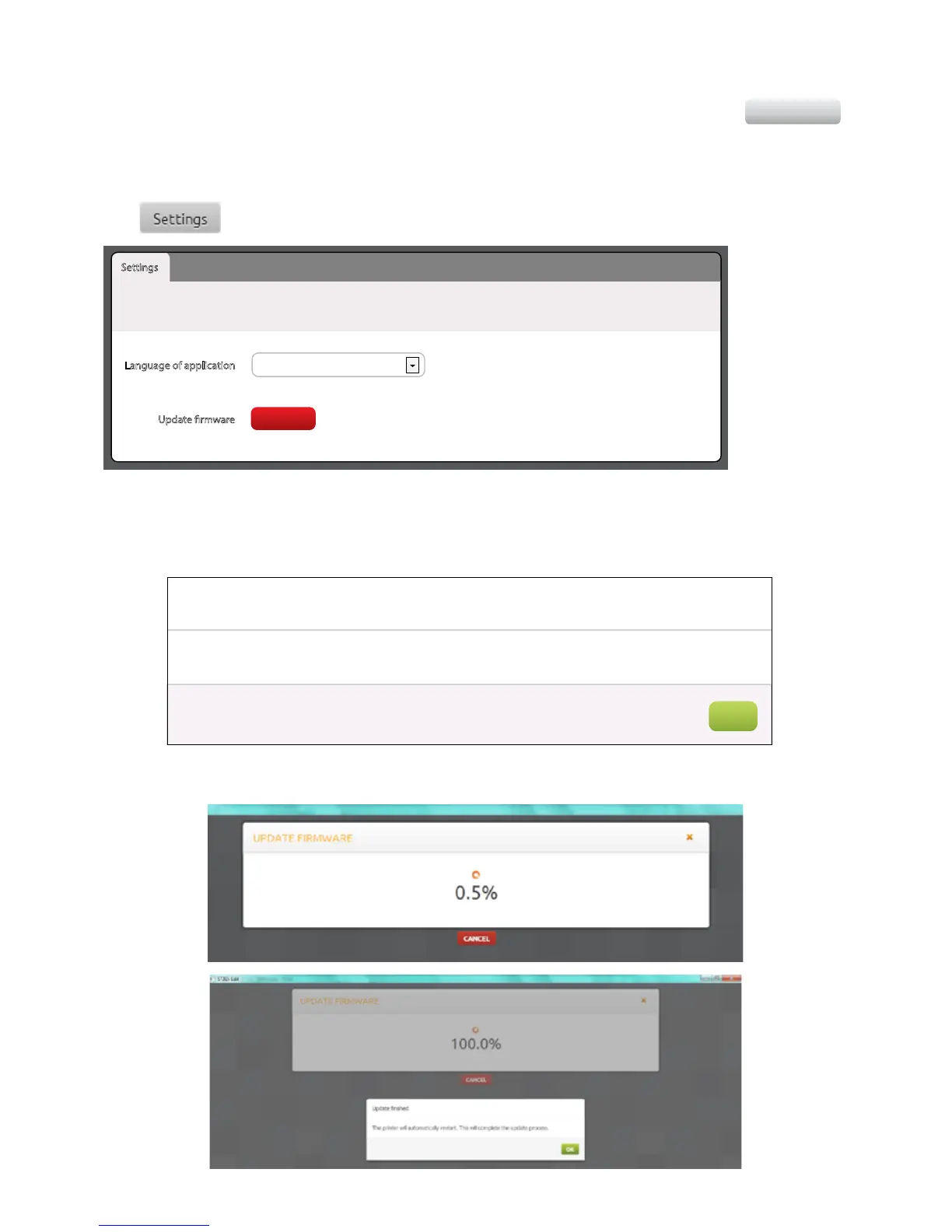
The buon will open up the screen below:
Here you are able to select or change the language you wish the Soware to appear in, as well as checking for any
Firmware Updates. It is recommended that you check for a Firmware Update before you start prinng for the rst
me to ensure you have access to all of the up-to-date funconality. Clicking the Update buon will either generate
the following informaon:
Or it will conrm that there is an updated version available and will begin the update process as below:
SETTINGS
Settings
Language of application English
Please restart the software for this change to take aect
The application will download the latest rmware from the server and update the printer.
Update rmware
UPDATE
x
Firmware up-to-date
The current rmware in your printer is up-to-date.
OK



 To Next Page