25
Transfer and print will transfer the data from your computer to the printer and store it on the SD card (one is
supplied with the printer and you must ensure that it is installed in order for this process to complete). This means
that aer transfer is complete you are able to turn o or disconnect your computer and it will connue to print. If
you select this opon, you will be informed of the esmated transfer me to allow you to manage your print job
accordingly.
Save will allow you to save the data to print it at a later date.
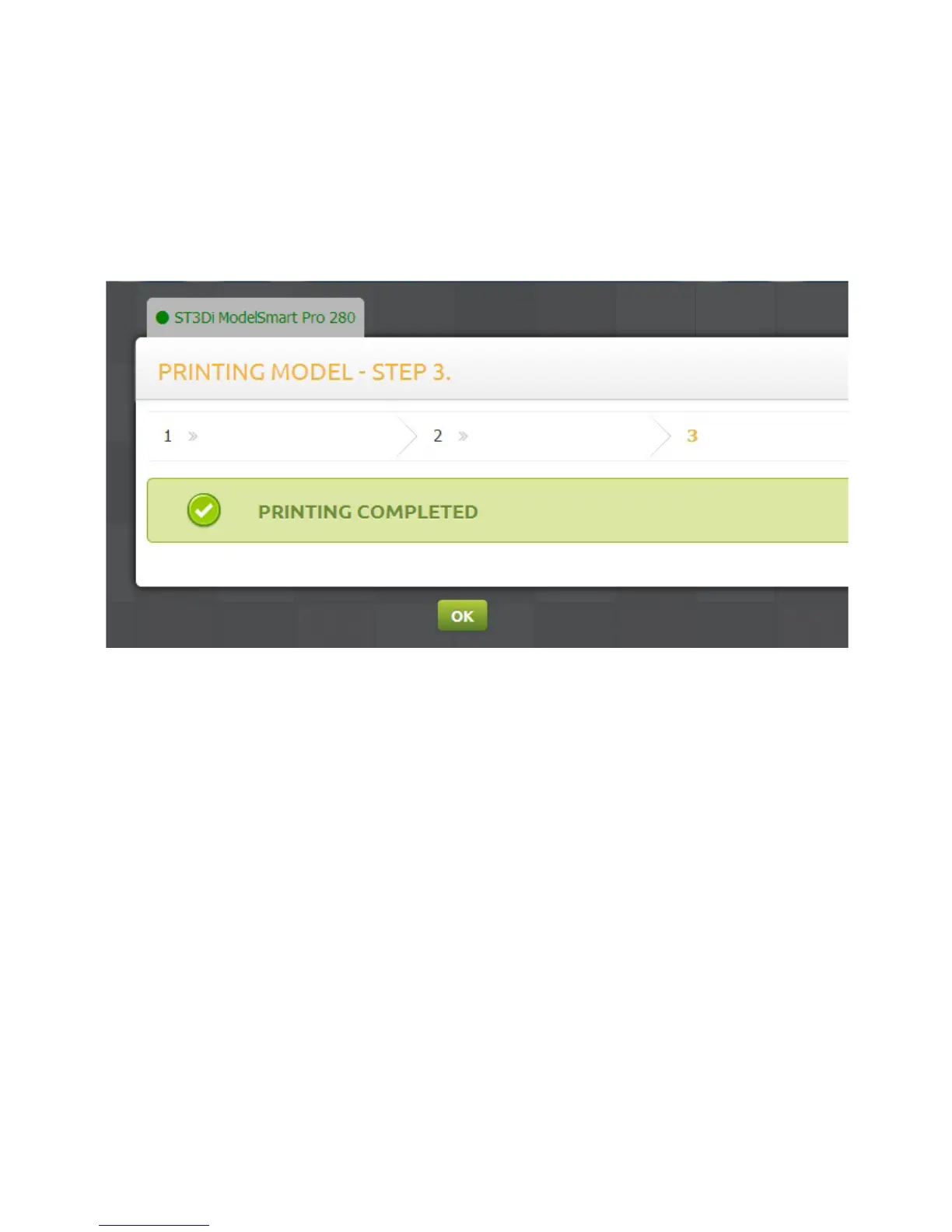
Once you have chosen to send your le to print and the model has been completed, you will be presented on screen
with this message:



 To Next Page