24
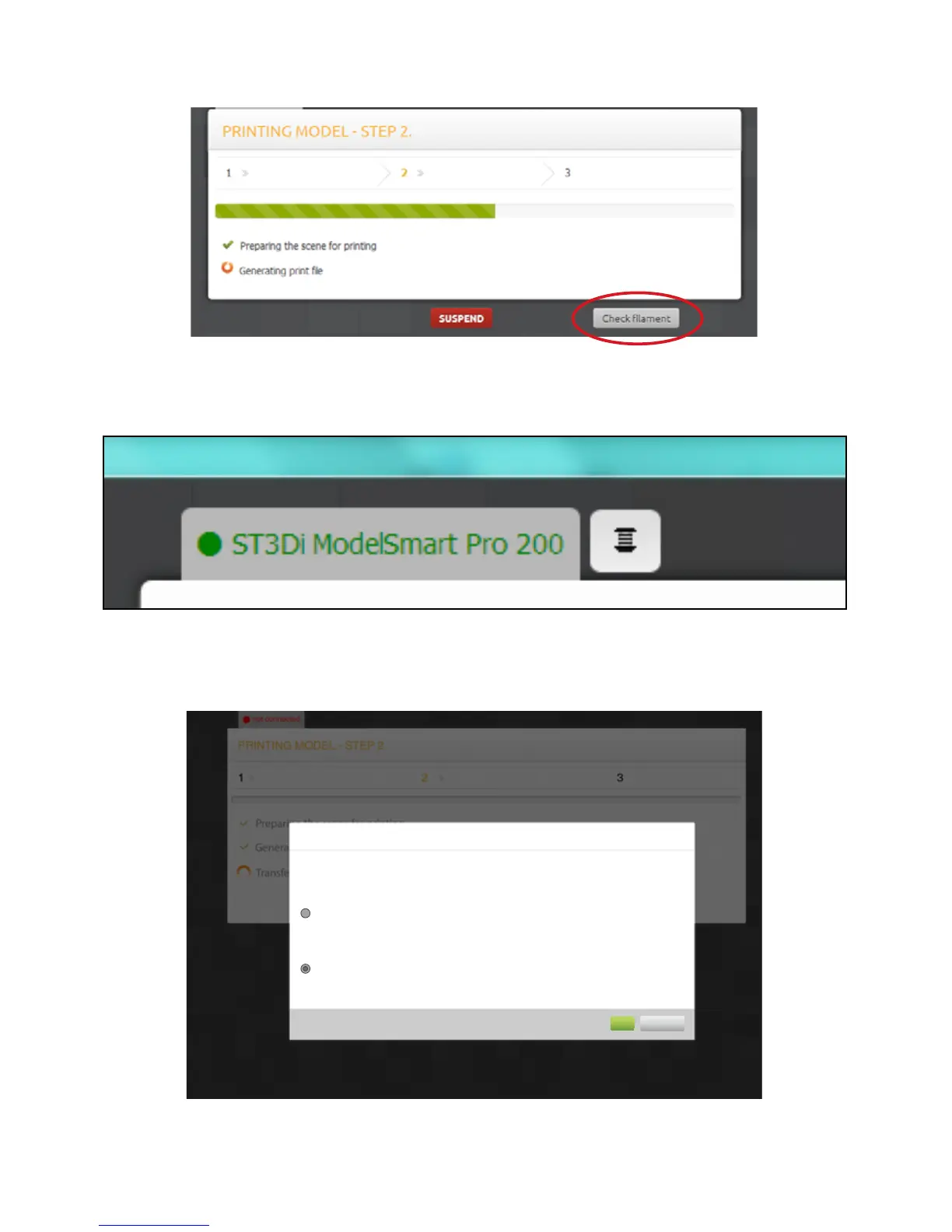
The ‘check lament’ buon will appear on Windows 7 operang systems and again will launch the Helpful Printer
Driver®.
Checking lament levels on other operang systems can be done via the Filament buon which will appear on the
top of this box next to your printer model name:
Once the print le has been created, you are provided with an esmated me of print and given two opons:
Print options
Estimated time of printing: 2 hours 11 minutes
SELECT METHOD OF PRINTING
Transfer and print
Save
Data will be transferred and printing will start automatically.
Once printing has started you can safely disconnect your computer.
Estimated transfer time is 12 minutes.
Save data for futeur printing.
OK
Cancel



 To Next Page