38
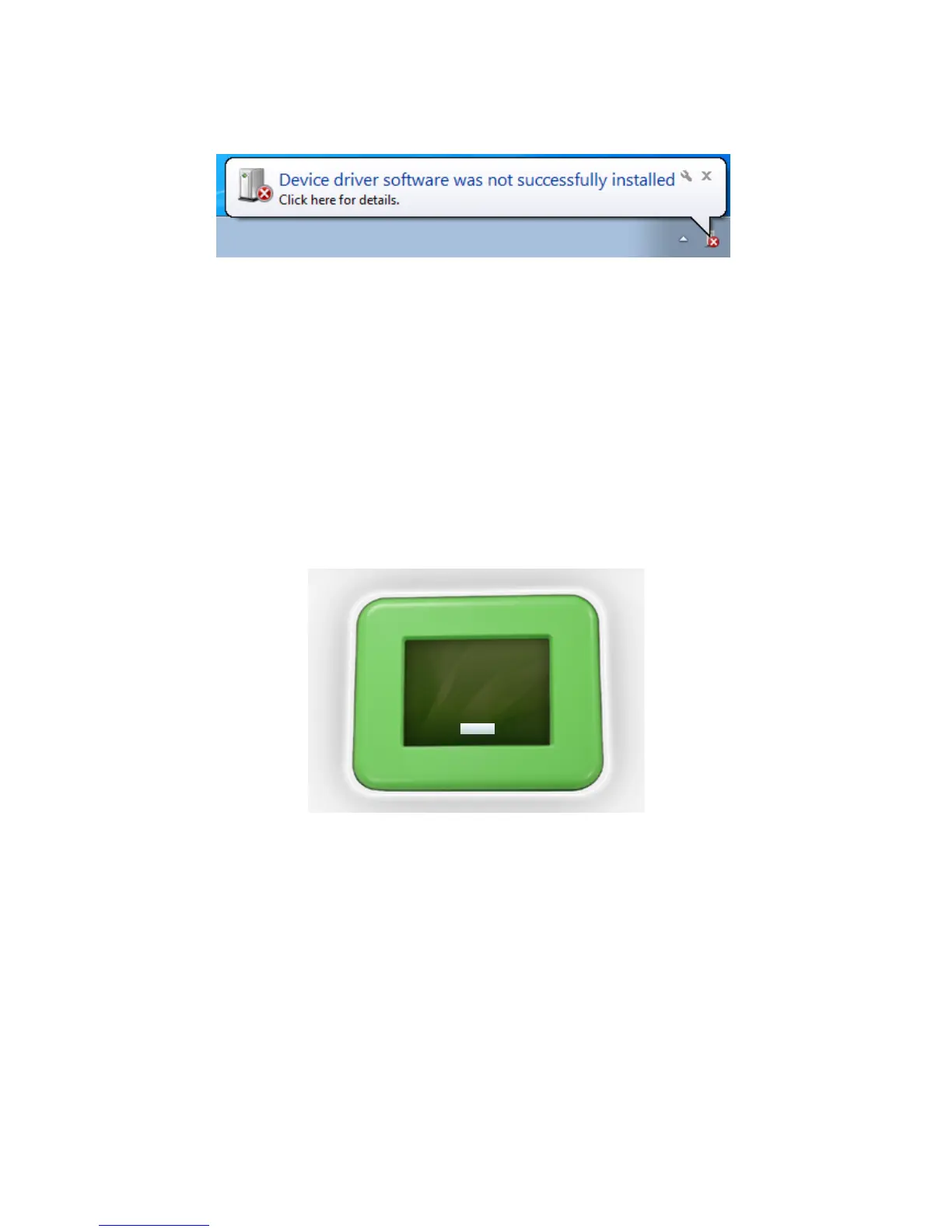
When connecng the printer to a Windows PC, upon connecon Windows will automacally
search your PC for a hardware device driver that is required in order to install the printer. If it is
unable to locate and install this device driver automacally, Windows will nofy you, with this
message. In this instance please follow this link to download the hardware device driver onto your
PC. Once downloaded, please double click the le to begin the installaon. This is a simple and
straighorward process and will then allow you to successfully use your ST3Di 3D printer.
Queson 10. I am seeing a Windows Error message when connecng the
printer to my PC
If you have two dierent types of lament installed and your LCD screen is telling you that your
le cannot be printed because you have the wrong type of lament installed, and you have double
checked that you have saved your le correctly via the ST3Di Edit Soware (i.e. selected the correct
extruder with the correct lament) then the problem could be because the lament cartridge
holders were installed the wrong way around when rst assembled out of the box.
Please double check the labels on the connectors of each cartridge holder and ensure that the
connector labelled ‘Top Cartridge/Right Extruder’ is fed through the top hole on the printer (and
connected to one of the lament cartridge holders), and that the connector labelled ‘Boom
Cartridge/Le Extruder is fed through the boom hole (and connected to the second lament
cartridge holder).
Once you have conrmed these are correct please try prinng again. Should you sll have the same
message appear please contact our team via the online Contact Form.
Queson 11. ModelSmart Pro 280: I am trying to print from my le/right
extruder and have created my le to conrm this is the extruder I want to
use, and also what material I have installed but the LCD is telling me that I
have the wrong type of lament installed.



 To Next Page