Display:
- The display
shows the current water temperature.
Saving energy
To reduce energy consumption and related costs, you can take the following measures:
•
If you do not use the pool for a few days (e.g., on weekends), keep the current water
temperature approximately at the desired water temperature. The heat pump needs
time to heat up the pool water. If there is a large temperature difference between the
current water temperature and the desired water temperature, it can take several
days until the desired water temperature is reached.
•
If do not use the pool for more than a week, shut off the heat pump or reduce the set
water temperature.
•
Do not use the heat pump when the ambient temperature falls below 5 °C.
•
Cover the pool to prevent heat loss due to wind.
Parameters
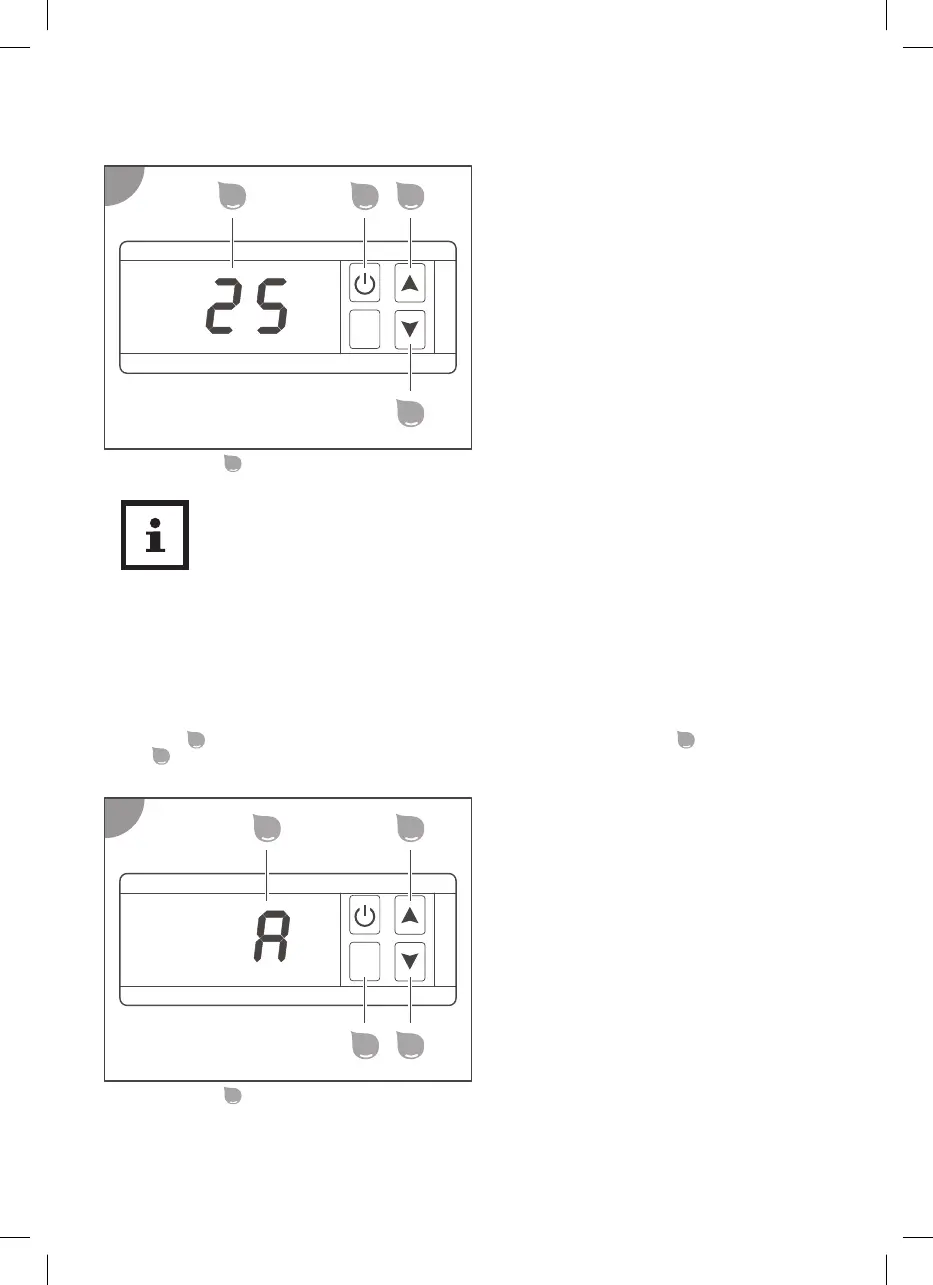
In operating mode, the heat pump allows you to display temperatures or make settings by pressing the
SET button
. The desired parameter can be selected by pressing the Up button
or the Down
button
.
Display:
-
The display
shows the selected parameter.
Available parameters:
The heat pump has two temperature sensors that measure the following temperatures:
36


 To Next Page
 Loading...