Stellar
®
TC Series Telescopic Crane Owner’s Manual | Page 3
Operators should have a rm understanding of ANSI B30.5 - Section 5-3.2 Operating
Practices and AEM Safety Manual (Form C-70-2) prior to operating of the crane.
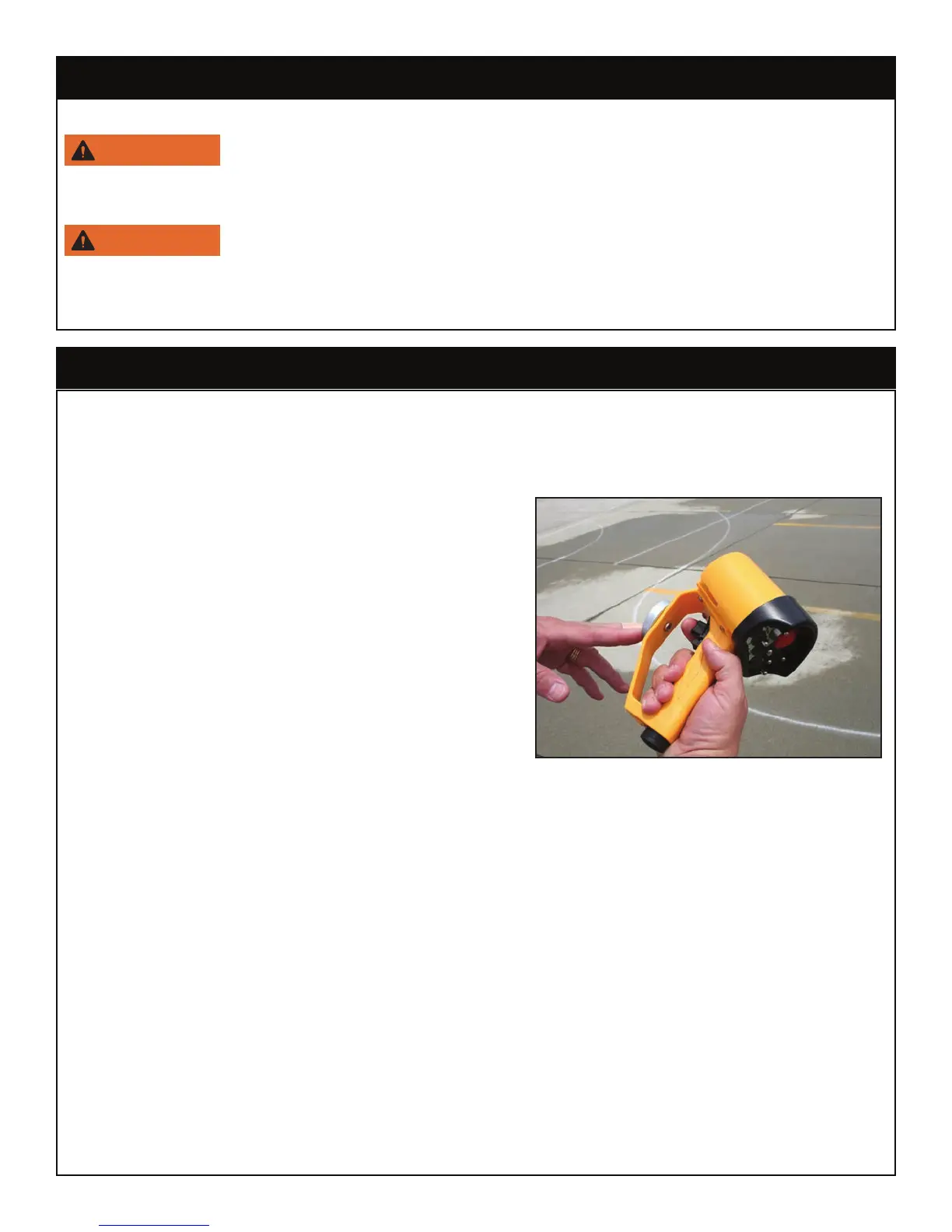
Using the Radio Remote:
To operate the crane using the radio remote
control:
1. Activate and hold the desired toggle switch
2. While holding the toggle, gently pull the variable
speed trigger until the crane begins to move.
The speed of the crane will vary in direct
correlation to how much or how little the trigger
is engaged.
Note: The radio remote allows for simultaneous functions. With practice, it is possible to use
more than one toggle at the same time (Extension Out/Winch Down for example).
Unstowing the Crane:
To unstow the crane and prepare it for a lift:
• Raise the boom high enough to clear the truck bed and any other obstructions from the
chassis.
• Rotate the crane until it clears the side of the truck body.
Note: The radio remote allows for simultaneous functions. With practice, it is possible to use
more than one toggle at the same time (Extension Out/Winch Down for example).
Attaching the load:
• Position the crane with the hook centered directly over the load to avoid side loading.
Step 4: Position the stabilizers.
Lower the stabilizer(s) using the hand crank located at the rear of the truck.
Keep clear of stabilizer legs during operation. Moving stabilizers can
cause serious crushing injuries. Make certain that all personnel are clear of the stabilizer
and the ground contact point before operating.
Do not raise the rear tires of the truck off the ground with the stabilizers.
Conrm that the stabilizers are positioned on stable, at ground and that the truck is as
level as possible both front to rear and side to side. Use stabilizer pads to ensure the proper
distribution of weight.
Step 5: Operate the crane.




 To Next Page