25
StingerElectronics.com
®
DISPLAY OFF
Press the HOME BUTTON > Display Off
to turn off LCD.
This is useful at night to prevent eye
fatigue.
Tap the screen anywhere to return to
regular display.
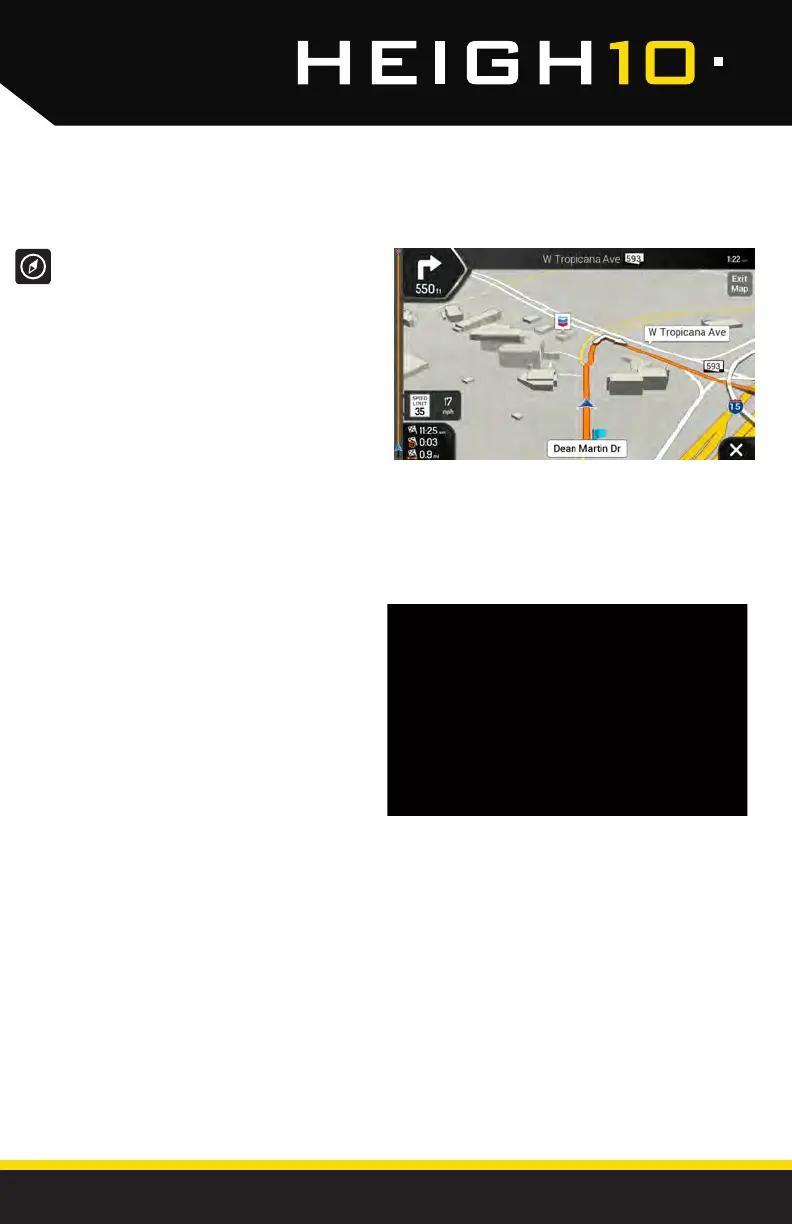
iGO NAVIGATION
The User Manual for iGO Navigation can be
found on StingerElectronics.com
To add navigation, ask your dealer about
Stinger's pre-loaded iGO Navigation SD Card
(Part Number: SE-P14).
To access the optional Navigation,
press and hold the HOME BUTTON.
(OPTIONAL)



 To Next Page