Stonex S580 GNSS Receiver – User Manual 18
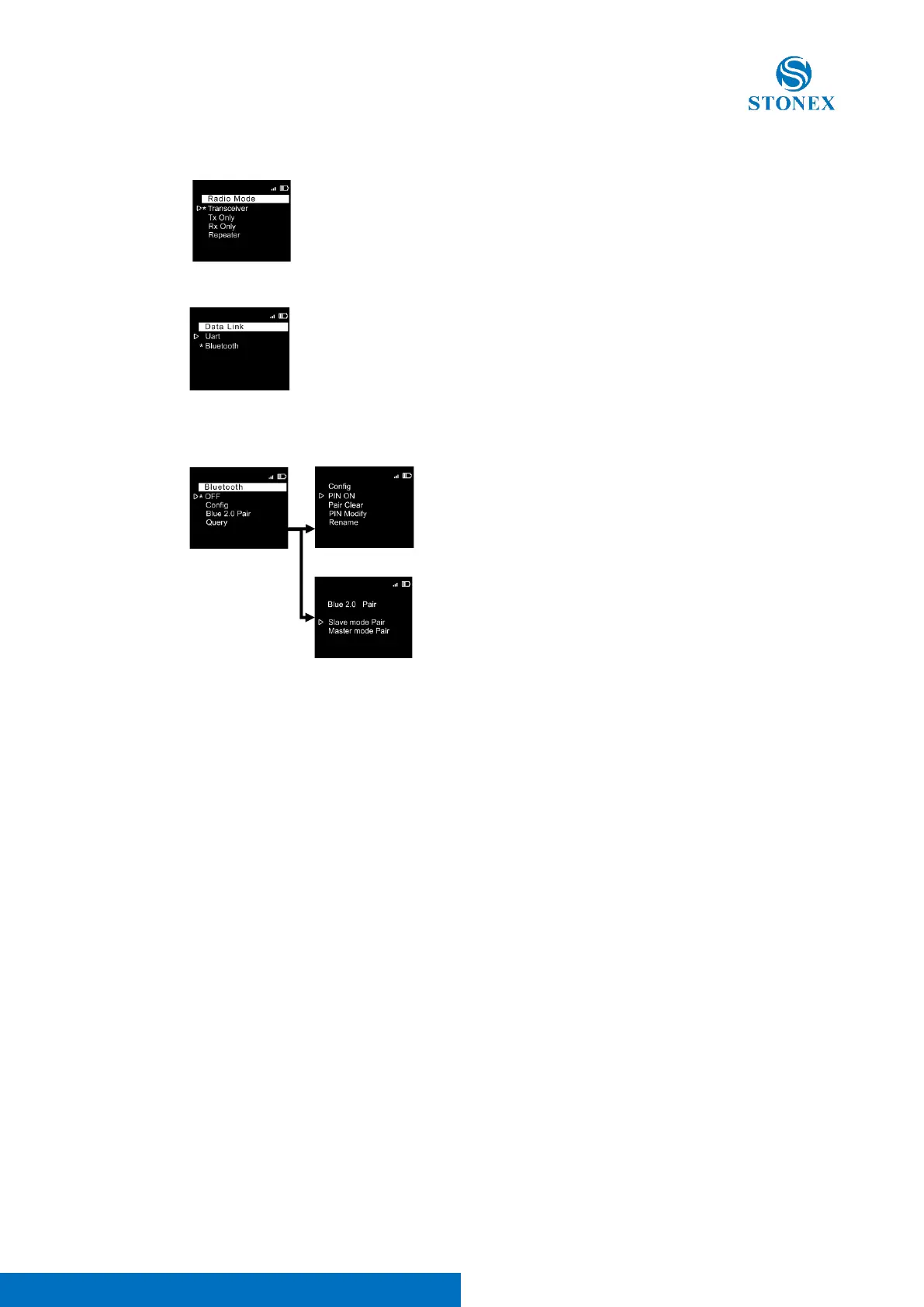
2. Radio Mode page, select Transceiver
3. Data Link page, select Bluetooth
4. Bluetooth page: set the following configuration:
When these settings are shown, it means that the Bluetooth is enabled, and the PIN is disabled.



 To Next Page