Stonex S580 GNSS Receiver – User Manual 17
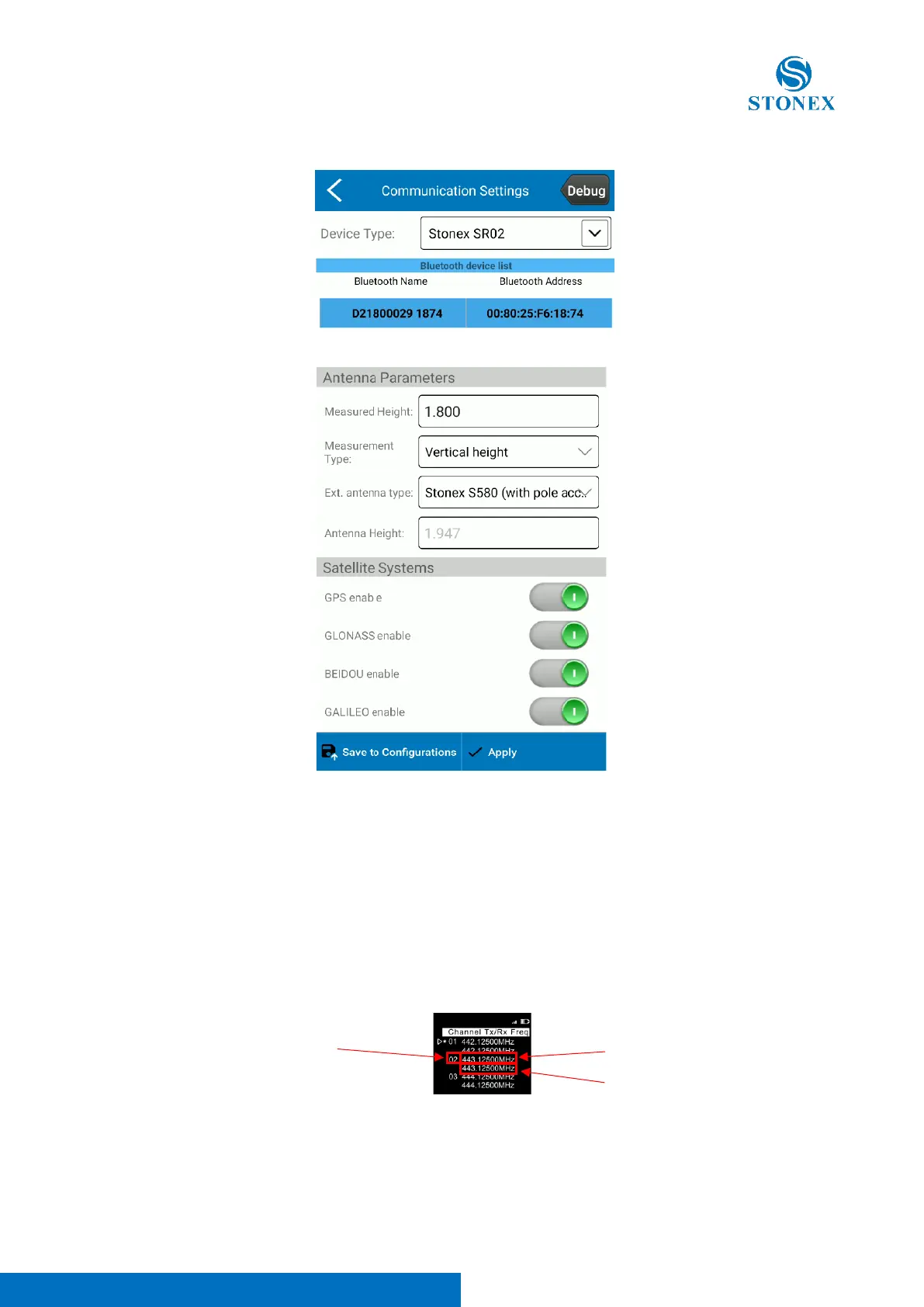
3. Press Bluetooth Radio, search for the radio serial number, select it and press Connect
4. Go back and complete the rest of the rover configuration then press Apply
4.2 Base mode
The connection to the S580 is direct and can be done only using the WebUI, please refer to the 3.3 section of this manual.
Radio configuration
1. Set the protocol and frequency you want to use, pressing the radio buttons. Right and left arrows let you change
page, up and down arrow let you select different options, press the power button to confirm. The left arrow will
also bring you back to the higher pages in case you’ve entered subpages.
a. Select the frequency: Channel Tx/Rx Freq page, the usual frequencies utilized by Stonex devices are on
Channels starting from number 19, the star show the channel in use.
b. Select the radio protocol: Data Protocol page (es. TRIMTALK 450S)
c. Select the radio link rate: Radio Link Rate page (es. 9600-25KHz)



 To Next Page