Stonex S580 GNSS Receiver – User Manual 6
2. Basic Operations
2.1 Power on/off, reset, charging
Press and hold the power button for 3 seconds to turn on/off receiver.
Press and hold the power button for 12 seconds to reset the receiver.
Use the standard charger and type-C data cable to charge. The battery led indicator is red in charging and green when fully
charged.
2.2 How to connect mobile phone or PC to receiver via Wi-Fi
The name of Stonex GNSS receiver hotspot is the receiver serial number.
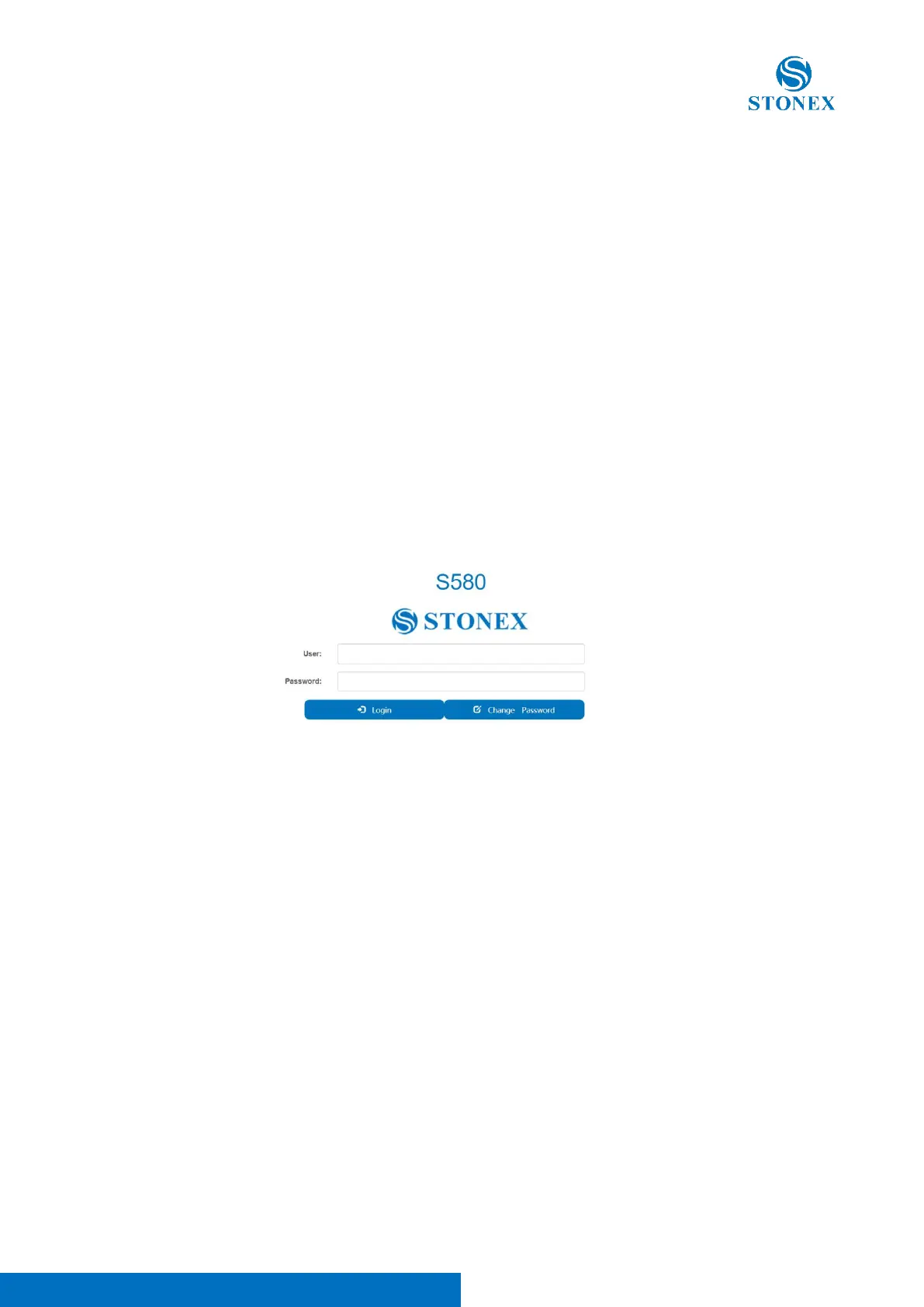
After connecting to S580 Wi-Fi, open a browser and type the following IP address: 192.168.10.1.
A window pops up and asks for username and password; the default username and password are “admin” and “password”
respectively. Then you can login the web user interface of S580, as it follows:



 To Next Page