6. Move the adjustment ring up until the pin
fits into the V-shaped groove on the cabinet
of the control panel.
7. Tighten the adjustment ring to fix it in this
position.
8. Press the Turn/push knob knob to clear
the error message.
9. Press the Lower/Raise button to raise the
specimen mover head.
5.7.3 Adjusting the horizontal position of the flexible specimen holder
With a flexible specimen holder:
1. Press the Lower/Raise button to lower the
specimen mover head.
2. Loosen the 2 fastening screws holding the
column of the control panel.
3. Place the flexible specimen holder in a
position that does not allow the specimen
to run more than 1 mm over the edge of the
preparation disc.
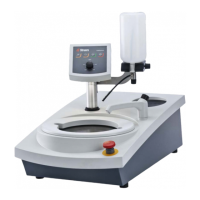
5.8 LaboDoser-100 with LaboForce-100
If you are using LaboDoser-100 with LaboForce-100, see the specific machine manual.
5.9 LaboDoser-10 with LaboForce-100
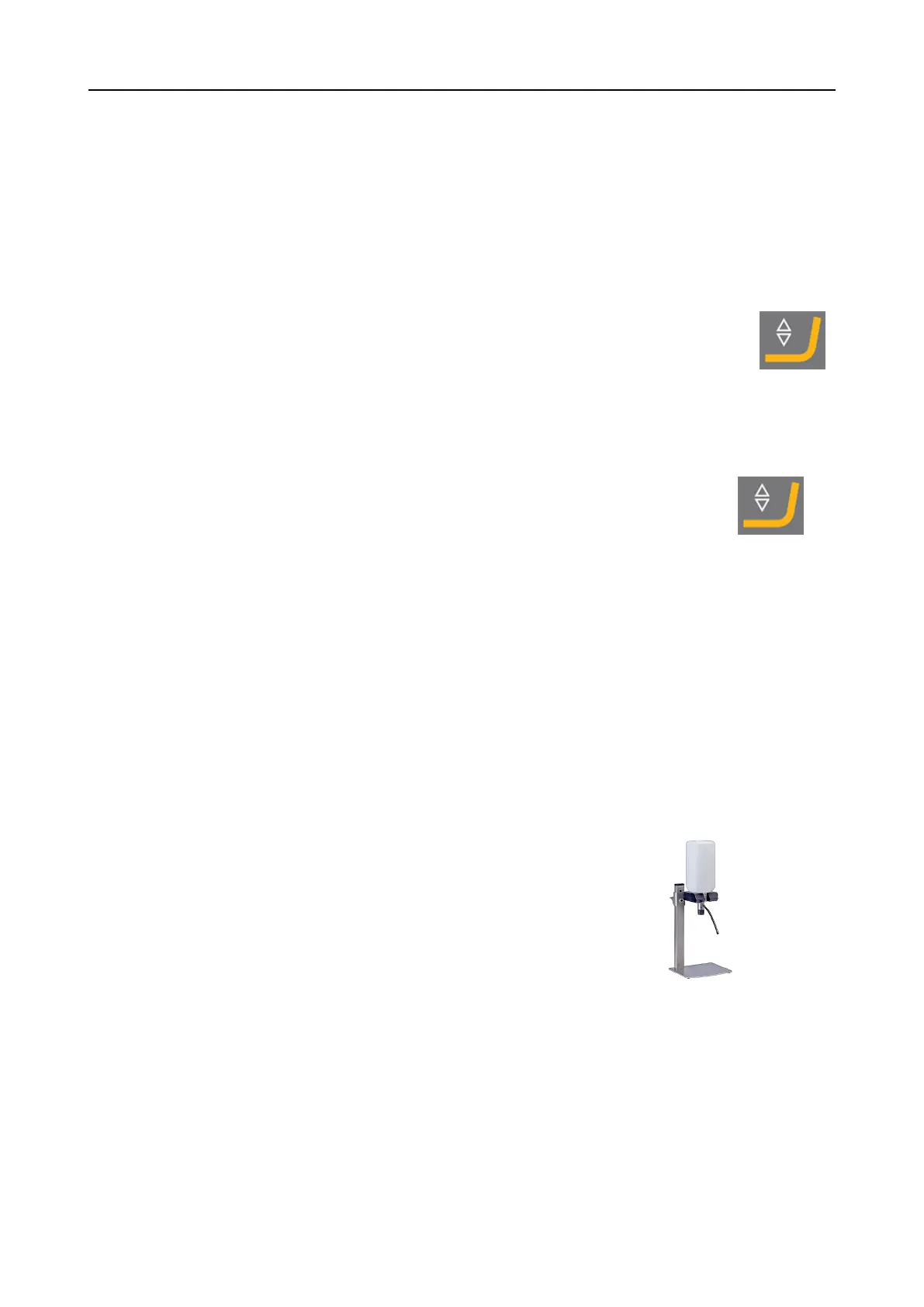
If you are using LaboDoser-10 with LaboForce-100, a table
stand is required.
5.10 Noise and vibration levels
For information about noise and vibration levels, see the specific machine manual.
5 Installation
LaboForce-100 19


 To Next Page