13
Operating On-Screen Display
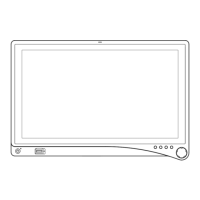
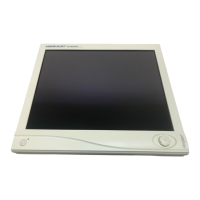
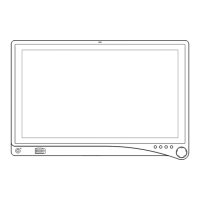
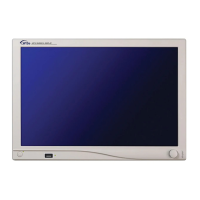
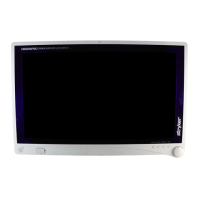
The device OSD helps navigate through various device menus.
1. Press the Rotary Control to activate the OSD menu.
2. Rotate the Rotary Control to move up or down through the menu.
The parameter will be highlighted when selected.
3. Press the Rotary Control to enter the next level OSD.
4. Rotate the Rotary Control to increase or decrease the value of the selected parameter, or to
make a selection on di erent options.
5. To exit the OSD menu screen from the second — or third — level OSD menu, select the
Exit option. To completely exit the OSD, press and hold the Rotary Control. If no keys are
pressed, the OSD will automatically exit after the factory-set predetermined time (the time is
customizable).


 To Next Page