pg 21
blueSky - reverberator
Configuring blueSky to Use MIDI (cont.)
STEP 2 SET MIDI CHANNEL
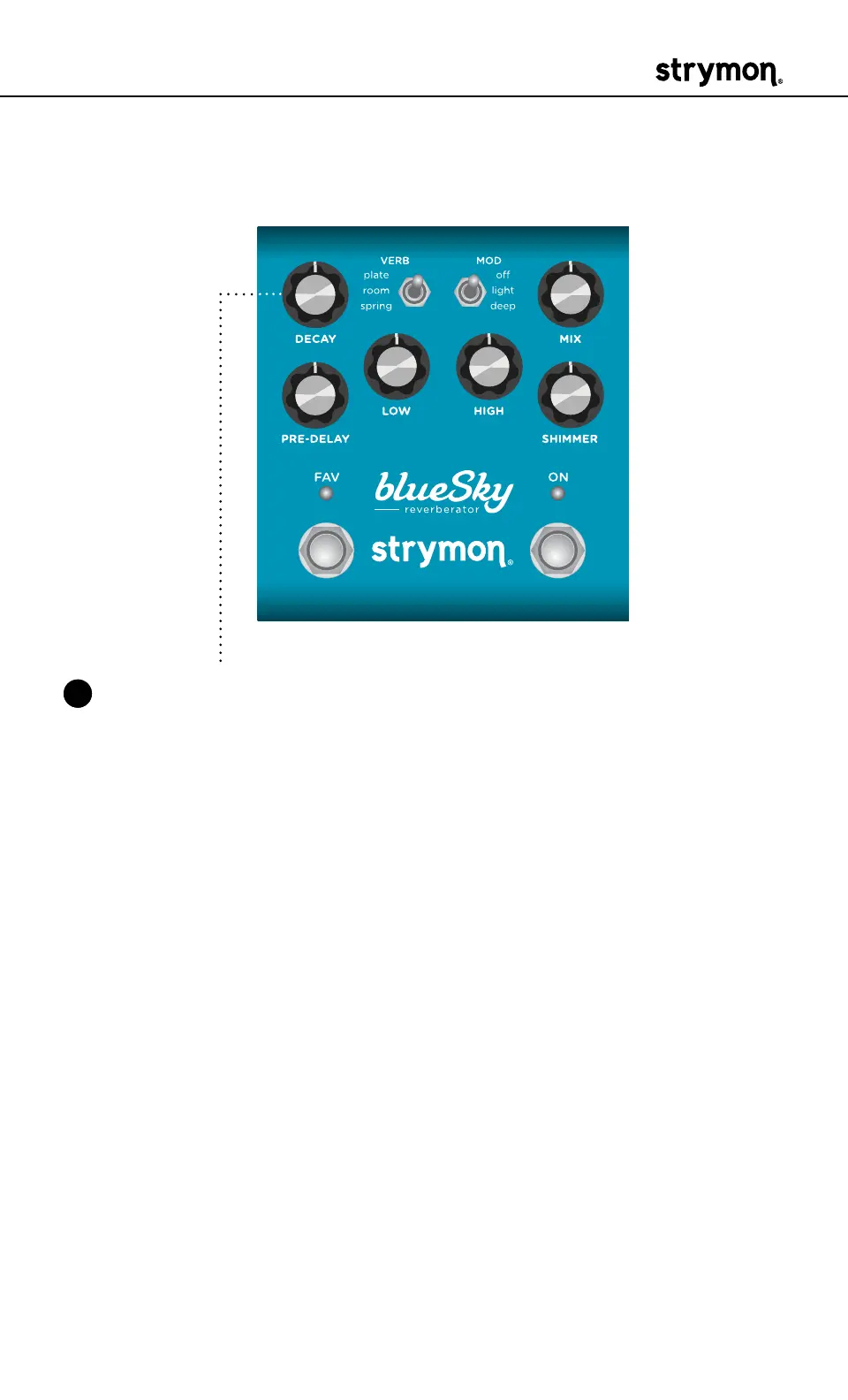
3 Turn the DECAY knob to set the MIDI communication channel� The
FAV LED indicates status� Your DECAY knob selections are as follows:
• Channel 1: GREEN (default)
• Channel 2: AMBER
• Channel 3: RED
• Channel 4-16: BLUE (set by next received MIDI Program Change
message, requires 1⁄4" MIDI connection)
Once the FAV LED turns BLUE, it will blink until the pedal receives
a MIDI Program Change message� Once a message is received, the
pedal will be set to the MIDI channel that carried the message and
exit the power-up mode to allow you to begin using blueSky�



 To Next Page