NightSky - Time-Warped Reverberator
pg 20
Footswitches - FAVORITE (cont.)
To exit without saving, press the INFINITE footswitch.
SAVE TO A PRESET LOCATION
Press and hold the FAVORITE footswitch until the LED flashes BLUE to
enter SAVE mode, then release the footswitch. There are three ways to
select a preset location and complete the save:
Press the FAVORITE footswitch to save to the currently selected
preset location. Note that this could be a preset location selected
via MIDI.
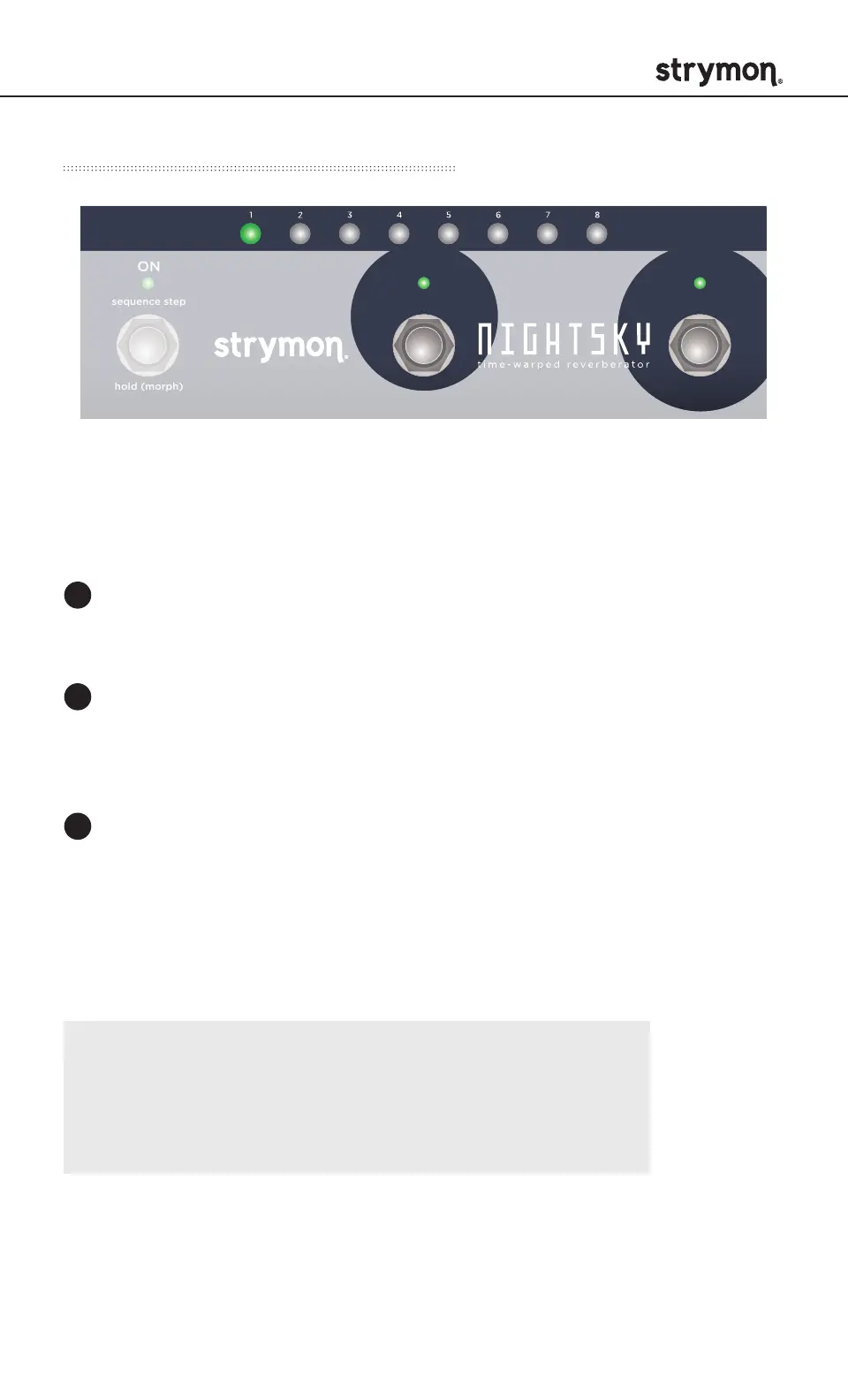
Press one of the eight PRESET BUTTONS to select a new preset
location, and then press the FAVORITE footswitch to save to that
location. Press the same PRESET BUTTON twice before pressing
the FAVORITE footswitch to save to a different preset bank.
Send NightSky a MIDI Program Change message to save to the
corresponding preset location.
1
2
3
NOTE: Saving a preset saves all knob, switch, and
button settings, as well as all Live Edit functions,
expression control settings, morph settings, and the
current sequence.
DRYLOW CUT HIGH CUT INTERVAL SHIMMER
REVERBSPEED DEPTH LENGTH SIZE
/
PITCH
rand
env
-8va
-5th
-2nd +2nd
+5th
+8va
-4th +4th
TARGET
FILTER GLIMMER DRIVESHIMMER
SHAPE TEXTURE QUANTIZE
pre
post
smooth
half step
scale
verb
pitch
filter
sparse
dense
diuse
high
low
input
regen
regen
low
pass
TONE VOICE
MOD DECAY MIX
ON INFINITE
hold (morph) hold (sequence)
sequence step
sequence tap
FAVORITE
LEFT IN RIGHT IN LEFT OUT RIGHT OUT EXP
MIDI IN
USB
MIDI OUTINST
LINE



 To Next Page