NightSky - Time-Warped Reverberator
pg 25
Live Edit Functions
DRYLOW CUT HIGH CUT INTERVAL SHIMMER
REVERBSPEED DEPTH LENGTH SIZE
/ PITCH
rand
env
-8va
-5th
-2nd +2nd
+5th
+8va
-4th +4th
FILTER GLIMMER DRIVESHIMMER
pre
post
smooth
half step
scale
verb
pitch
filter
sparse
dense
diuse
high
low
input
regen
regen
low
pass
TONE VOICE
MOD DECAY MIX
ON INFINITE
hold (morph) hold (sequence)
sequence step
sequence tap
FAVORITE
LEFT IN RIGHT IN LEFT OUT RIGHT OUT EXP
MIDI IN
USB
MIDI OUTINST
LINE
PREDELAY
Adjusts the time between the dry signal and the onset of the reverb.
Press and hold the TEXTURE button and turn the REVERB knob to
adjust (counter-clockwise = shorter, clockwise = longer).
GLIMMER GAIN
Adjusts the sensitivity of the glimmer effect to the input signal.
Press and hold the GLIMMER button and turn the REVERB knob to
adjust.
DRIVE GAIN
Adjusts the sensitivity of the drive effect. Press and hold the DRIVE
button and turn the REVERB knob to adjust.
LOW PASS RESONANCE
Adjusts the filter Q, or sharpness of the resonant frequency. Press and
hold the FILTER button and turn the REVERB knob to adjust. Higher
values result in a peaking response. Lower values create a gradual
roll-off.
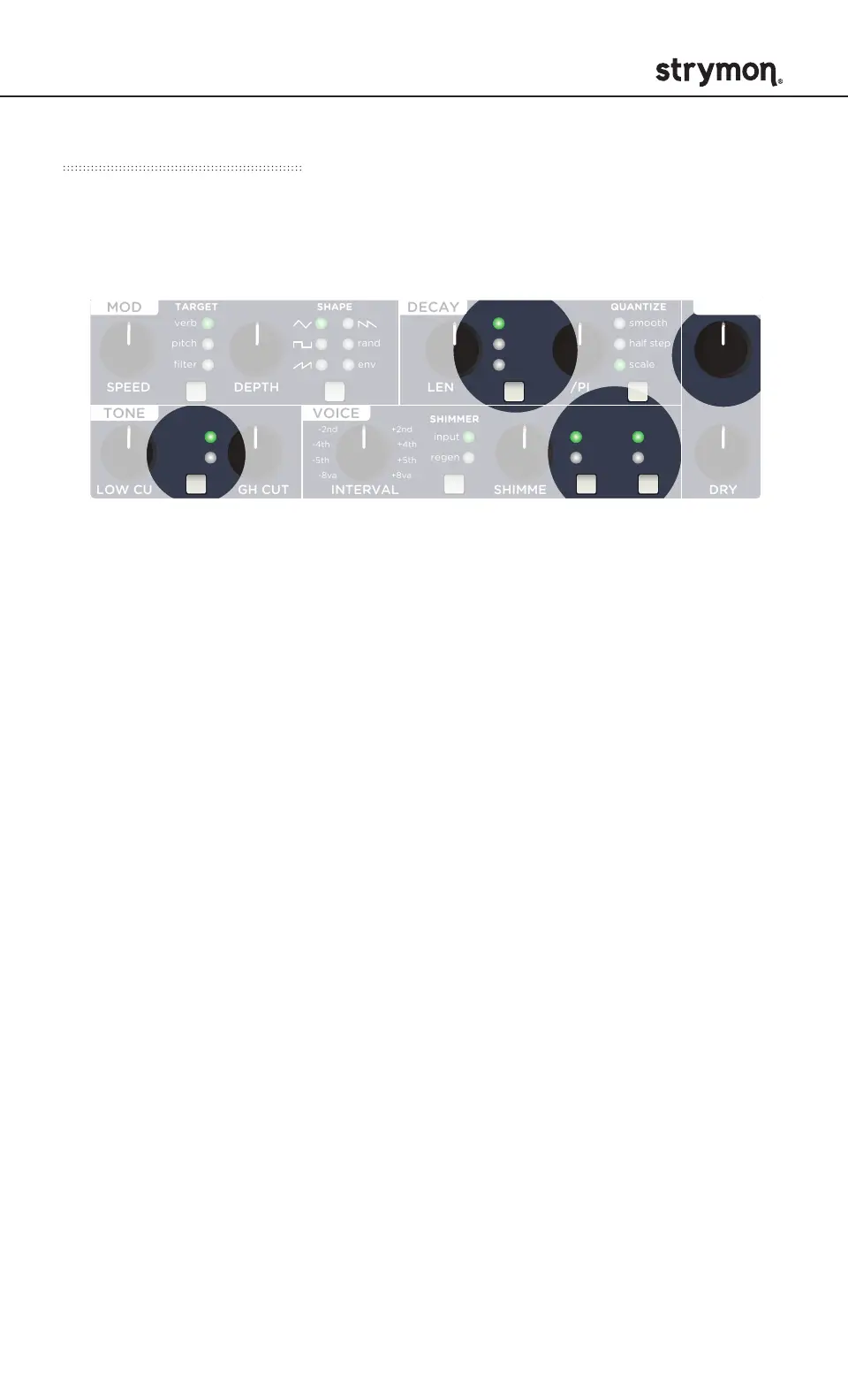
NightSky provides a way to adjust several settings that do not have a
dedicated knob or button. Live Edit Functions are saved per preset.



 To Next Page