NightSky - Time-Warped Reverberator
pg 8
INTERVAL
Selects the pitch interval of the shimmer effect. Two octaves of total
range from -1 octave to +1 octave. Two additional INTERVAL options
(-detune and +detune) are available around the 12 o’clock position of
the knob.
NOTE: Additional INTERVAL options are available via MIDI.
(See page 38 for details.)
Front Panel - VOICE
INTERVAL SHIMMER
REVERBSPEED DEPTH LENGTH SIZE
/ PITCH
rand
env
-8va
-5th
-2nd +2nd
+5th
+8va
-4th +4th
GLIMMER DRIVESHIMMER
pre
post
smooth
half step
scale
verb
pitch
filter
sparse
dense
diuse
high
low
input
regen
regen
low
pass
TONE VOICE
MOD DECAY MIX
ON INFINITE
hold (morph) hold (sequence)
sequence step
sequence tap
FAVORITE
LEFT IN RIGHT IN LEFT OUT RIGHT OUT EXP
MIDI IN
USB
MIDI OUTINST
LINE
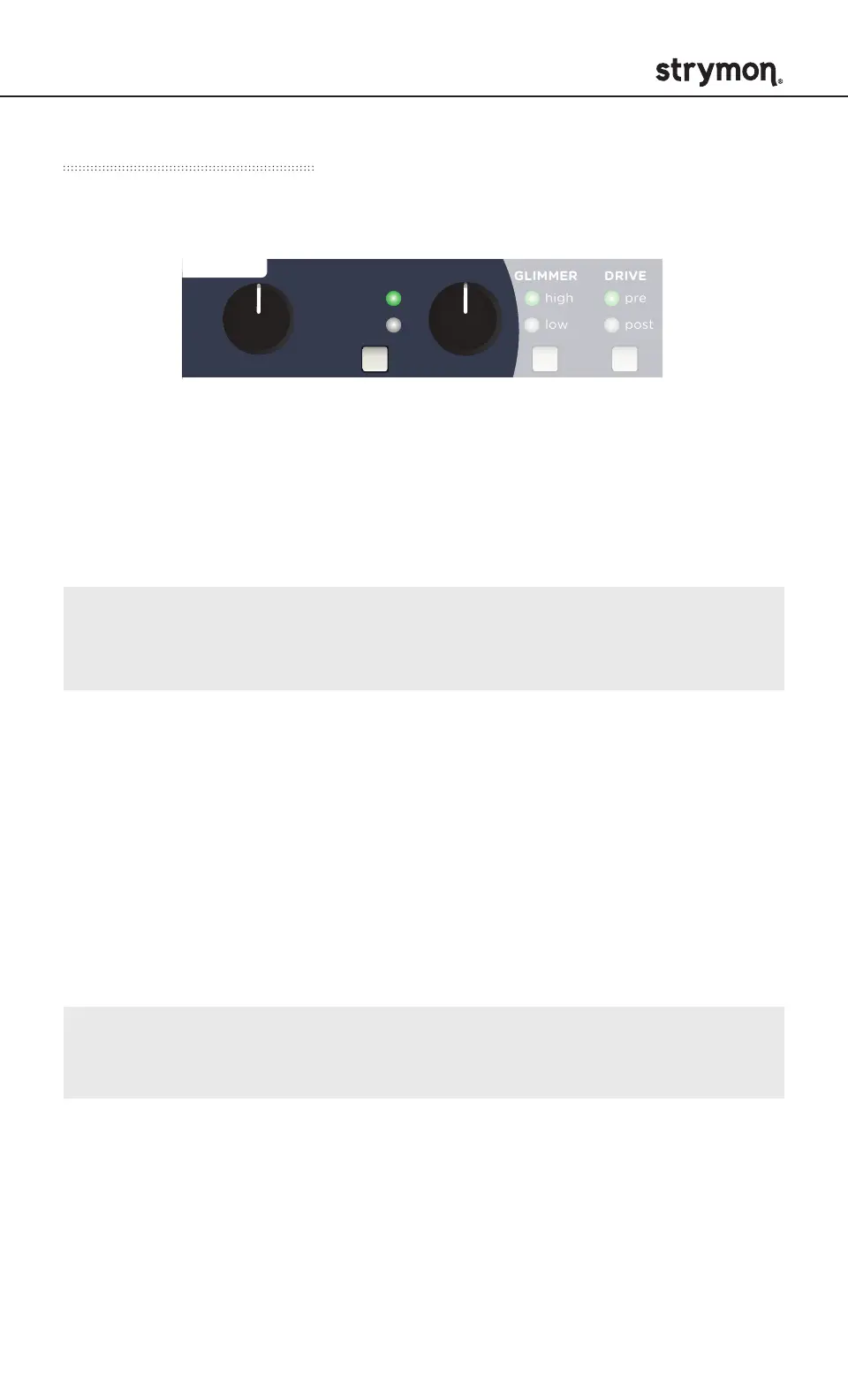
SHIMMER (button)
Selects the type of shimmer effect. Press to select one of two options.
input: Shimmer effect is applied to the input of the reverb core and
does not regenerate.
regen: Shimmer effect is applied within the reverb core and the
effect is regenerative, resulting in continuously ascending or
descending pitches as the reverb decays.
NOTE: Smaller SIZE/PITCH settings and higher LENGTH settings
will result in more intense pitch regeneration.
SHIMMER (knob)
Sets the amount of the shimmer effect. Shimmer effect is off when set
to minimum.
Adds pitch, harmonics, and distortion to the reverberated signal.



 To Next Page