NightSky - Time-Warped Reverberator
pg 9
Front Panel - VOICE (cont.)
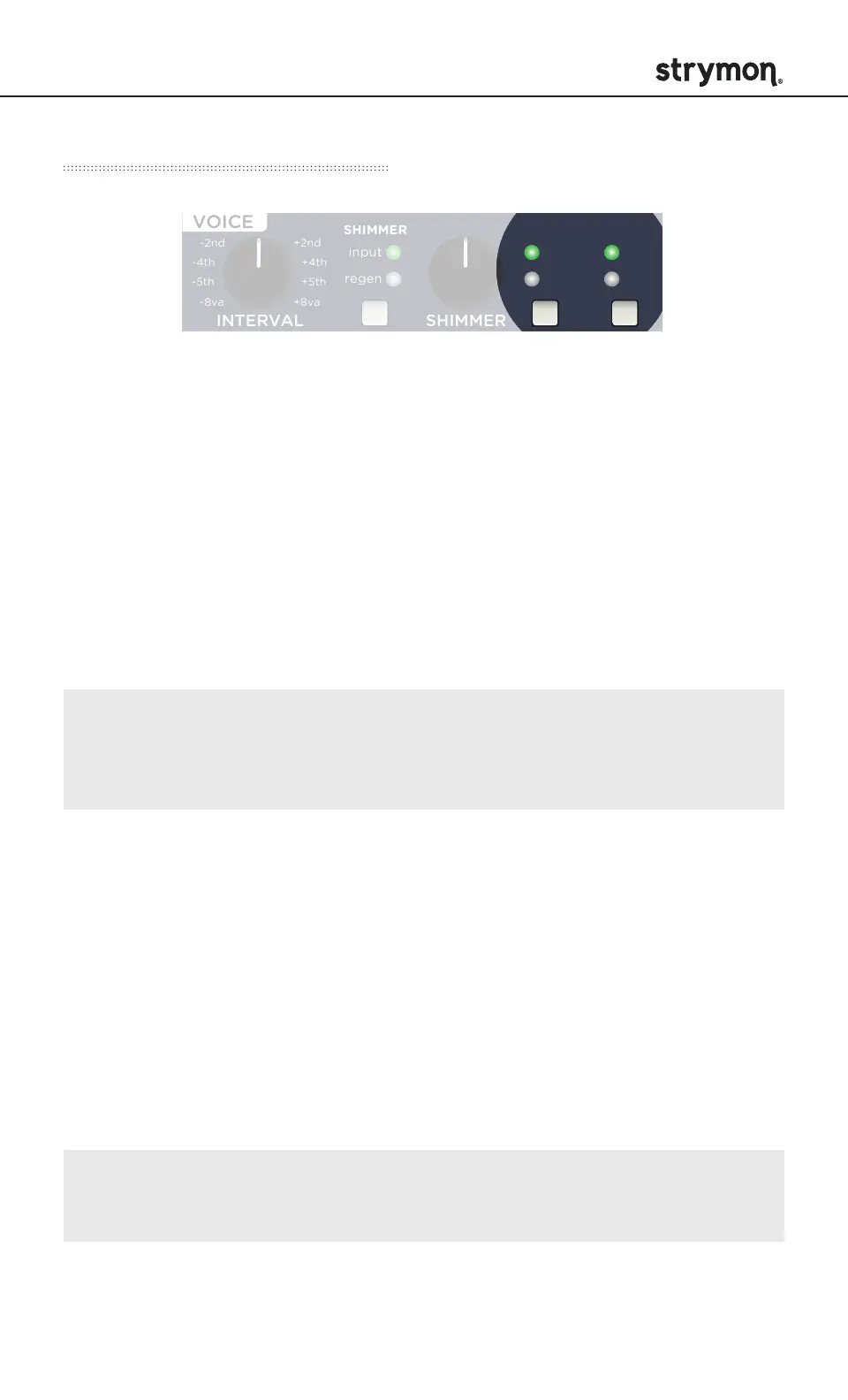
GLIMMER
Dynamically enhances aspects of the input signal’s harmonic
spectrum. Press to select one of three options.
high: Higher frequency harmonics are accentuated, creating a washy,
dreamy top end.
low: Lower frequency harmonics are enhanced, creating mysterious
and synth-like textures.
LED off: GLIMMER is disabled.
glimmer gain: Adjusts the sensitivity of the glimmer effect to the
input signal. Press and hold the GLIMMER button and turn the
REVERB knob to adjust.
drive gain: Adjusts the sensitivity of the drive effect. Press and
hold the DRIVE button and turn the REVERB knob to adjust.
DRIVE
Adds saturated overdriven harmonics with a soft clipping characteristic
to the reverb. Press the button to select one of three options.
pre: Applies drive to the signal before the reverb core.
post: Applies drive after the reverb core, allowing the reverb tail to
dynamically go into and out of saturation as the reverb decays.
LED off: DRIVE is disabled.
INTERVAL SHIMMER
REVERBSPEED DEPTH LENGTH SIZE
/ PITCH
rand
env
-8va
-5th
-2nd +2nd
+5th
+8va
-4th +4th
GLIMMER DRIVESHIMMER
pre
post
smooth
half step
scale
verb
pitch
filter
sparse
dense
diuse
high
low
input
regen
regen
low
pass
TONE VOICE
MOD DECAY MIX
ON INFINITE
hold (morph) hold (sequence)
sequence step
sequence tap
FAVORITE
LEFT IN RIGHT IN LEFT OUT RIGHT OUT EXP
MIDI IN
USB
MIDI OUTINST
LINE



 To Next Page