• To set self scan on click “on” in the self-scan option. Self scan allows scans to automatically start
when the scan subject is in the correct position
• Registration system should be set to GPU if you are using the Styku provided laptop
Turntable
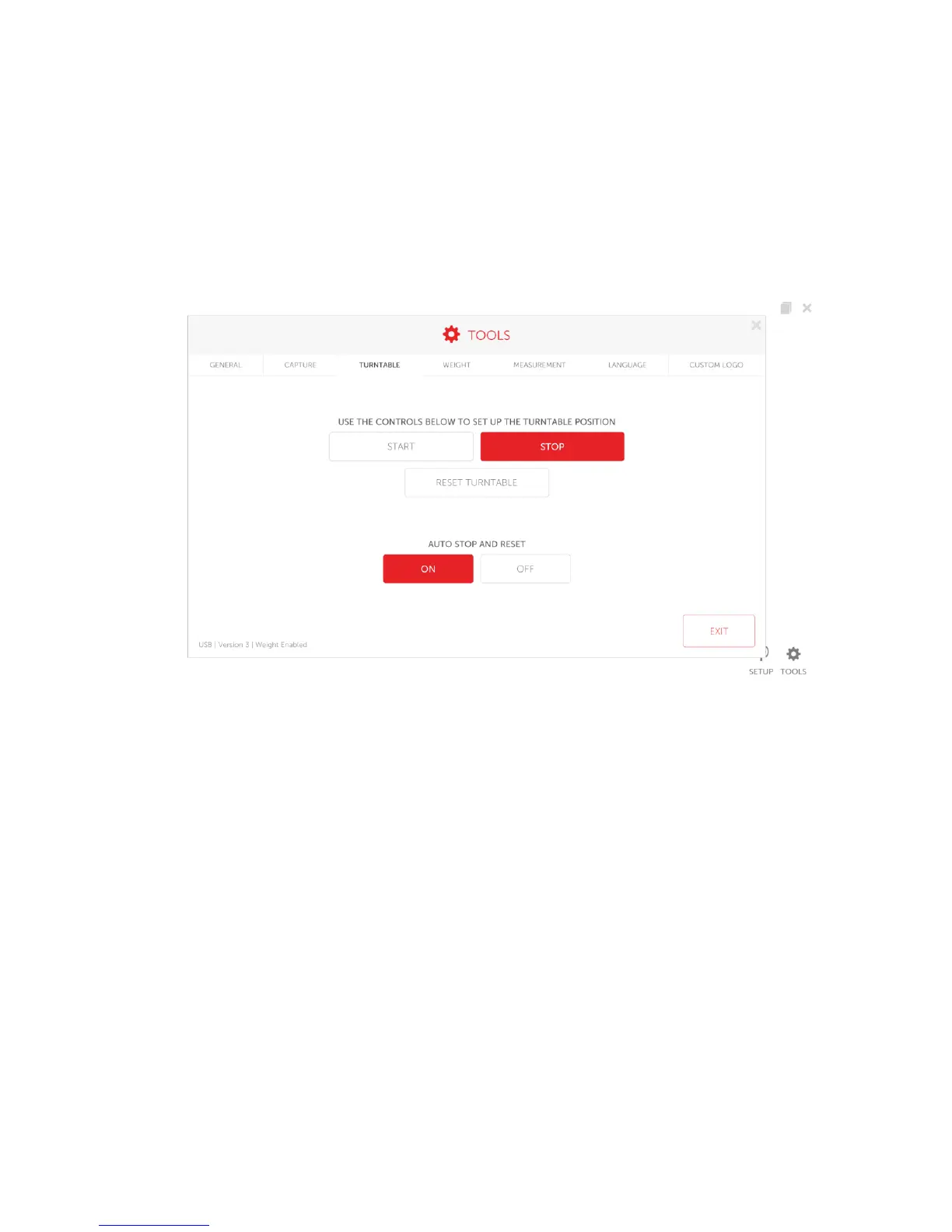
To access the turntable menu click “Turntable”
• The turntable can be started manually by pressing the start and stop button.
• On the bottom left edge of the screen is the model turntable that is used with the system
• The reset turntable option will reset the turntable back to the position where the last scan was
started
Weight
If you have a weight scale turntable press the “Weight” option to access the weight menu. This option will only
show if the system is connected to a weight scale turntable



 To Next Page