Legacy U.S.A. (66L) A2260BE–B
5
Audio
5-13
– CONTINUED –
B Dolby B NR button ( )
Press the “
” button T when playing tapes recorded using the
Dolby NR system*. The “
” indicator will light up and high-frequen-
cy noise on the tape will be reduced for clearer sound reproduction.
*Noise reduction system manufactured under license from Dolby Laboratories
Licensing Corporation. “Dolby” and the double-D Symbol are trade marks of
Dolby Laboratories Licensing Corporation.
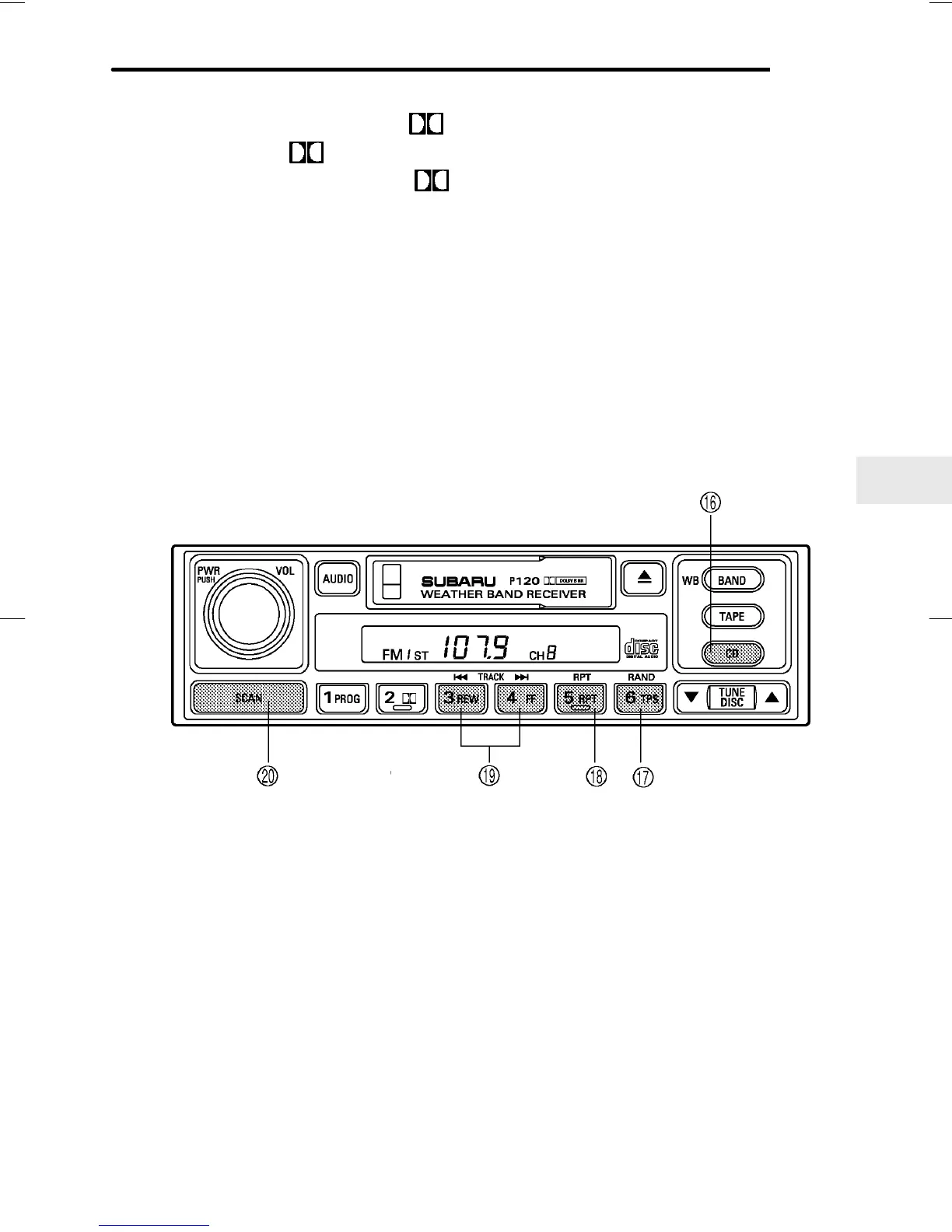
CD player control (If optional CD player is connected)
An optional CD player can be connected to this audio unit. See your
SUBARU dealer for more information. For procedures for loading and un-
loading CDs, refer to “CD player 1” in this chapter.
HB5041DB
U CD button
I RAND (Random) button
O RPT (Repeat) button
P Track selection buttons
A SCAN button
B To start playback
n When CD is not in the CD player
Hold a disc with a finger in the center hole while gripping the edge of
the disc, then insert it in to the slot (with the label side up) on the CD
player and the player will automatically pull the disc into position.













 To Next Page