Introduction 13
Before Use
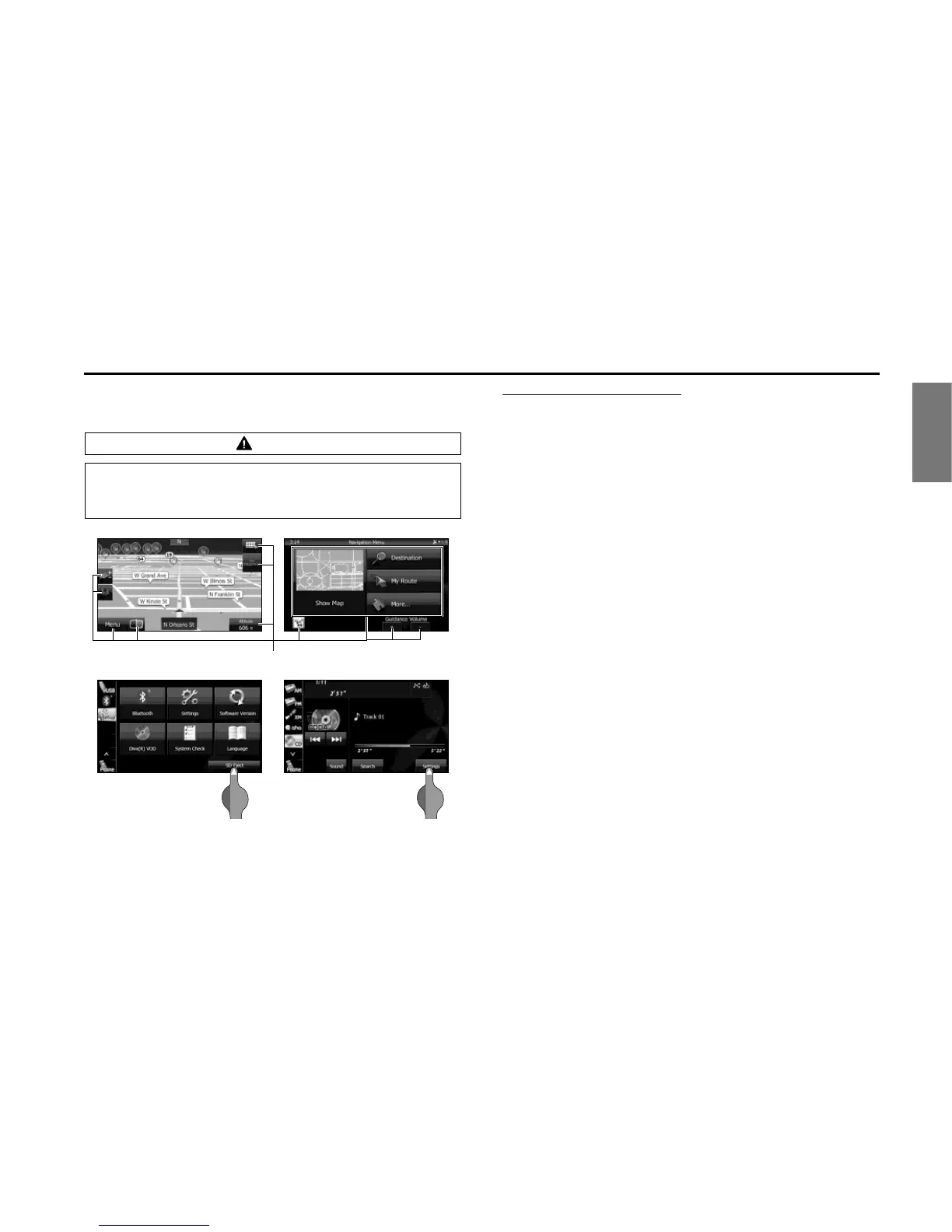
■ Touch Screen Button
Touch a button on the screen to operate it.
About touch button operations
• Keep touching the touch button until a “beep” is emitted in
response. (When the guide tone is set to ON.)
• To protect the screen, touch the touch button lightly with your
finger.
• When there is no response from a button, remove your finger from
the screen and touch it again.
• Touch buttons that cannot be operated have their colors toned
down.
• When the button function is enabled, the touch button returns to a
brighter color.
CAUTION
Touch the touch buttons with your finger. Operating touch
buttons with the point of hard objects such as ballpoint pens
or mechanical pencils may damage the screen.















 To Next Page